


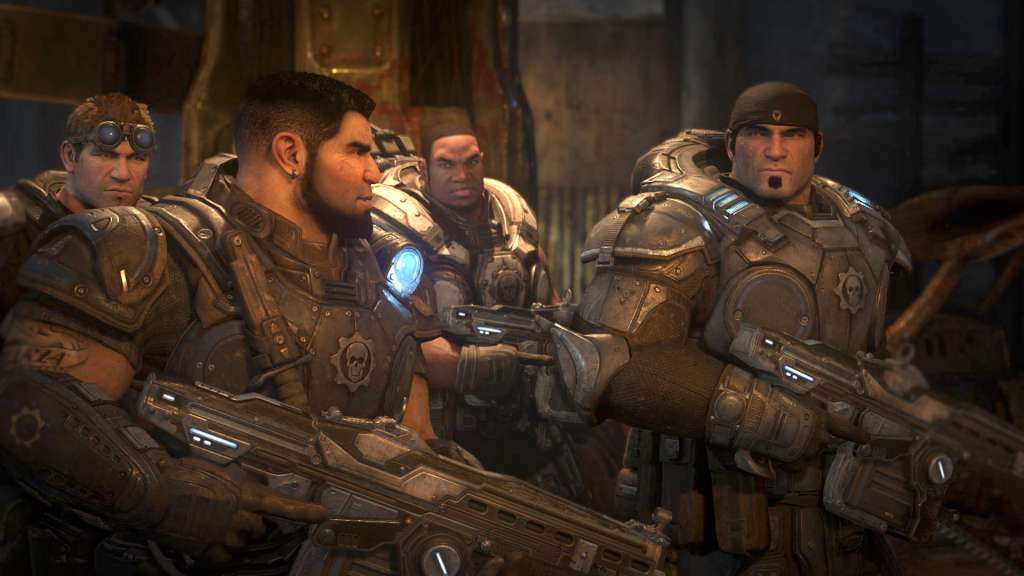
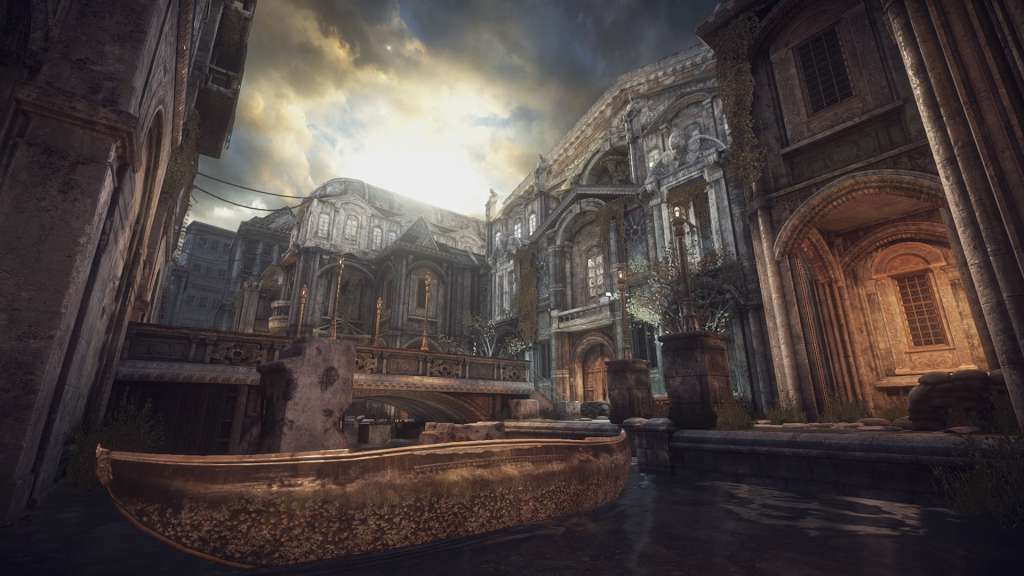
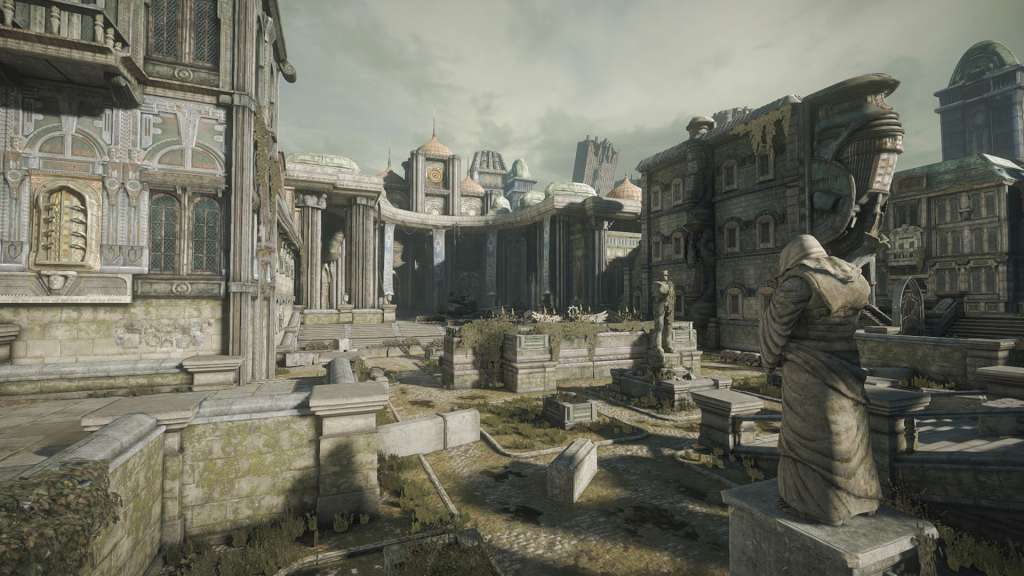
รายละเอียดจากผู้ผลิต (English)
Gears of War PC GFWL Download CD Key
อื่นๆ
Global — ใช้ได้ทั่วโลก
อื่นๆ
คำเตือน: โปรดอ่านรายละเอียดก่อนสั่งซื้อ หากซื้อแล้วไม่สามารถยกเลิกหรือขอเงินคืนได้
฿417
/ ชิ้น · รวมภาษีแล้ว
พร้อมส่งทันที · คงเหลือ 11 ชิ้น
· วางจำหน่าย 2006-11-07
รวม ฿417
เข้าสู่ระบบเพื่อสั่งซื้อ
วิธีเปิดใช้งานคีย์ (Activation)
Click on the link provided with the code to download the game. Download all the setup files into the same folder. Install the game and activate it with your code.
FAQ:
Why should I download the game before activating it by using the key? You are activating the key and then downloading files from online gaming platforms like Steam. This game is not connected to any other gaming platform, so in order to activate it, you have to download game files first and then use the key in game itself. When I am trying to download the game I got an error that one of the files is corrupted. Re-download the files on a stable internet connection and try to install the game again. During installation, I see an error that some of the game files are missing. Make sure that you haven't changed the name of any of the downloaded files, and files are in the same folder. During installation, I am asked to insert a disk. This means that you are missing some of the installation files. Make sure that all downloaded files are in the same folder. During installation I got an error "Setup ended prematurely". Install the game with administrator rights (right-click and run as administrator). I am trying to download the files, but I got an error "404 Not Found". Try using a different web browser to download the files. I downloaded all files in the same folder, installed the game, but I cannot run it. Launch the game with administrator rights (right-click and run as administrator). I cannot select language during the installation. You can change the language in the game after it is installed. Information that the key is invalid is displayed when I am trying to activate the key. Make sure that you are activating the key in the game itself. I deleted some files after the game was installed and now I cannot download it once again. Uninstall the game from the Programs located in Control Panel and download the files.
FAQ:
Why should I download the game before activating it by using the key? You are activating the key and then downloading files from online gaming platforms like Steam. This game is not connected to any other gaming platform, so in order to activate it, you have to download game files first and then use the key in game itself. When I am trying to download the game I got an error that one of the files is corrupted. Re-download the files on a stable internet connection and try to install the game again. During installation, I see an error that some of the game files are missing. Make sure that you haven't changed the name of any of the downloaded files, and files are in the same folder. During installation, I am asked to insert a disk. This means that you are missing some of the installation files. Make sure that all downloaded files are in the same folder. During installation I got an error "Setup ended prematurely". Install the game with administrator rights (right-click and run as administrator). I am trying to download the files, but I got an error "404 Not Found". Try using a different web browser to download the files. I downloaded all files in the same folder, installed the game, but I cannot run it. Launch the game with administrator rights (right-click and run as administrator). I cannot select language during the installation. You can change the language in the game after it is installed. Information that the key is invalid is displayed when I am trying to activate the key. Make sure that you are activating the key in the game itself. I deleted some files after the game was installed and now I cannot download it once again. Uninstall the game from the Programs located in Control Panel and download the files.
ข้อมูลสินค้า
| แพลตฟอร์ม | Other |
| โซนใช้งาน | GLOBAL — ใช้ได้ทั่วโลก |
| ผู้พัฒนา | Epic Games |
| ผู้จัดจำหน่าย | Microsoft Game Studios |
| วันวางจำหน่าย | 2006-11-07 |
| ภาษาที่รองรับ | English, French, Italian, Hungarian, Spanish |
| เรตอายุ | PEGI 18 |
| คะแนน Metacritic | 87.0/100 |
| การจัดส่ง | รับคีย์อัตโนมัติบนเว็บทันทีหลังชำระเงิน (ปกติไม่เกิน 1-2 นาที) |

ศูนย์บริการที่คุ้มค่า TC-TERMGAME
ความปลอดภัย
รับประกันความปลอดภัย 100%
บริการรวดเร็ว
รับสินค้าทันทีหลังจากการซื้อ
คุ้มค่าราคาถูก
ราคาถูกและพร้อมโปรโมชั่นราคาประหยัด
บริการตลอดเวลา
เปิดให้บริการตลอด 24 ชั่วโมง