
รายละเอียดจากผู้ผลิต (English)
Auslogics BoostSpeed Advanced Edition CD Key
อื่นๆ
Global — ใช้ได้ทั่วโลก
โปรแกรม & Software
คำเตือน: โปรดอ่านรายละเอียดก่อนสั่งซื้อ หากซื้อแล้วไม่สามารถยกเลิกหรือขอเงินคืนได้
วิธีเปิดใช้งานคีย์ (Activation)
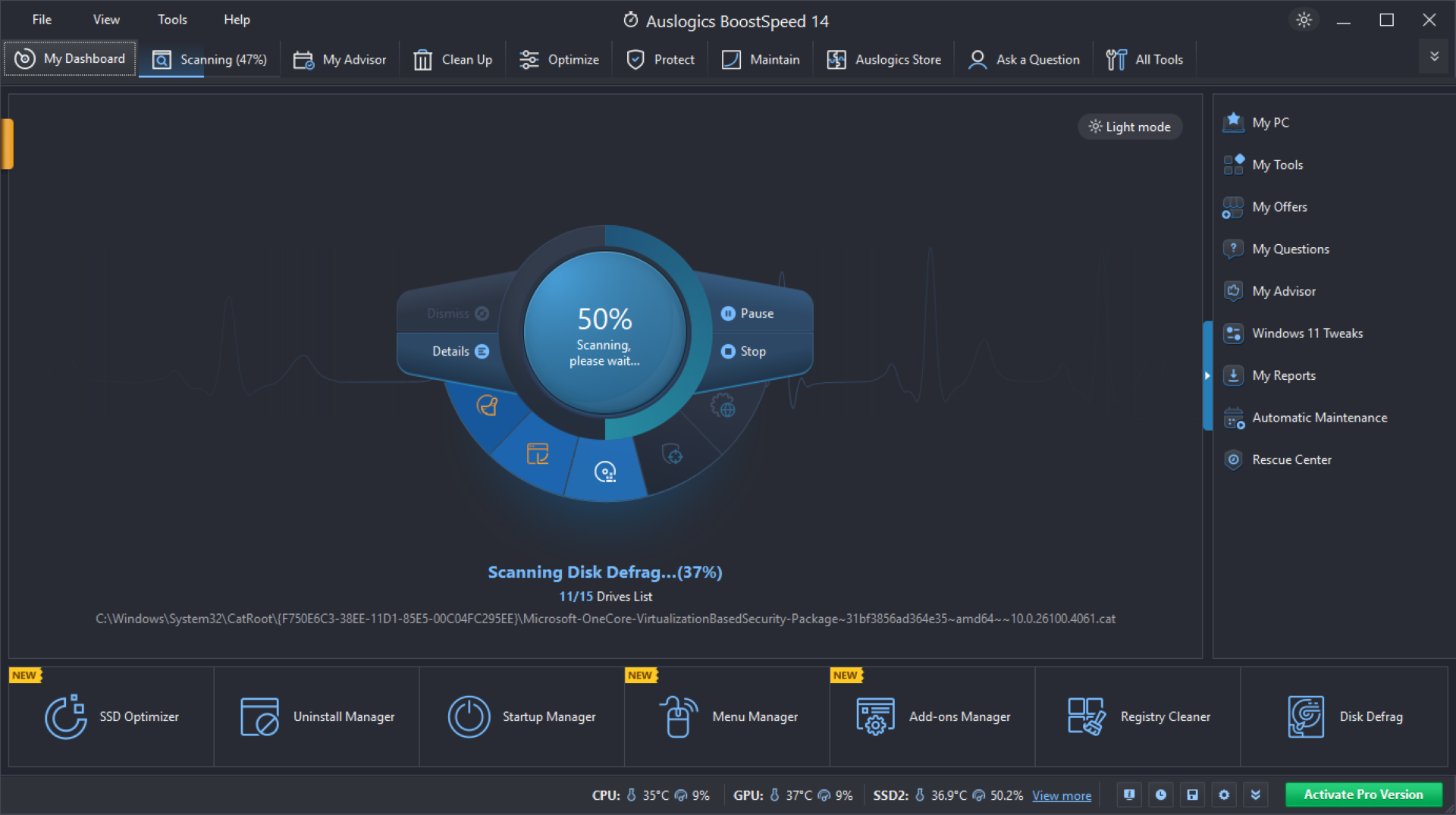
To activate a new licence, please follow these steps: If you haven't installed BoostSpeed yet, you can download BoostSpeed using this https://www.auslogics.com/en/software/boost-speed/. Copy your license key from the order confirmation e-mail. To do this, highlight the key in the email then right-click on it and choose Copy. Launch your BoostSpeed and click the Register Now button at the top of the main program window. In the window that appears, right-click inside the registration field and choose Paste to enter your license key. Press the Register button to complete registration. For more details on how to register your copy of Auslogics BoostSpeed, please click https://www.auslogics.com/en/software/boost-speed/how-to-register/. If you have just renewed your license: You do not need to re-register the software or enter new license details. The program updates your subscription status once a week - you will notice the new subscription status in a few days. Please note that the program needs access to the Internet to update subscription status, so make sure your connection is active and the program is not blocked by your firewall. If the status has not updated in 7 days, please contact Auslogics https://www.auslogics.com/en/contact/?department=tech&source=boost-speed. Possible problems: If you are getting a message that you are using a code for one of the previous BoostSpeed versions, this could mean that you didn't copy the entire code and some characters might be missing either at the end or at the beginning of the code. If you are getting a message that the code is incorrect, there might be a space either before, after, or in the middle of the code.
ข้อมูลสินค้า
| แพลตฟอร์ม | Other |
| โซนใช้งาน | GLOBAL — ใช้ได้ทั่วโลก |
| ผู้พัฒนา | Auslogics |
| ผู้จัดจำหน่าย | Auslogics |
| ภาษาที่รองรับ | Russian, English, Spanish, Italian, Portuguese, French, Japanese, Portuguese - Brazil, German, Korean |
| การจัดส่ง | รับคีย์อัตโนมัติบนเว็บทันทีหลังชำระเงิน (ปกติไม่เกิน 1-2 นาที) |
สินค้าใกล้เคียง
ดูทั้งหมด
Celemony Melodyne 5 Essential PC/MAC CD Key
฿119 เหลือ 999+
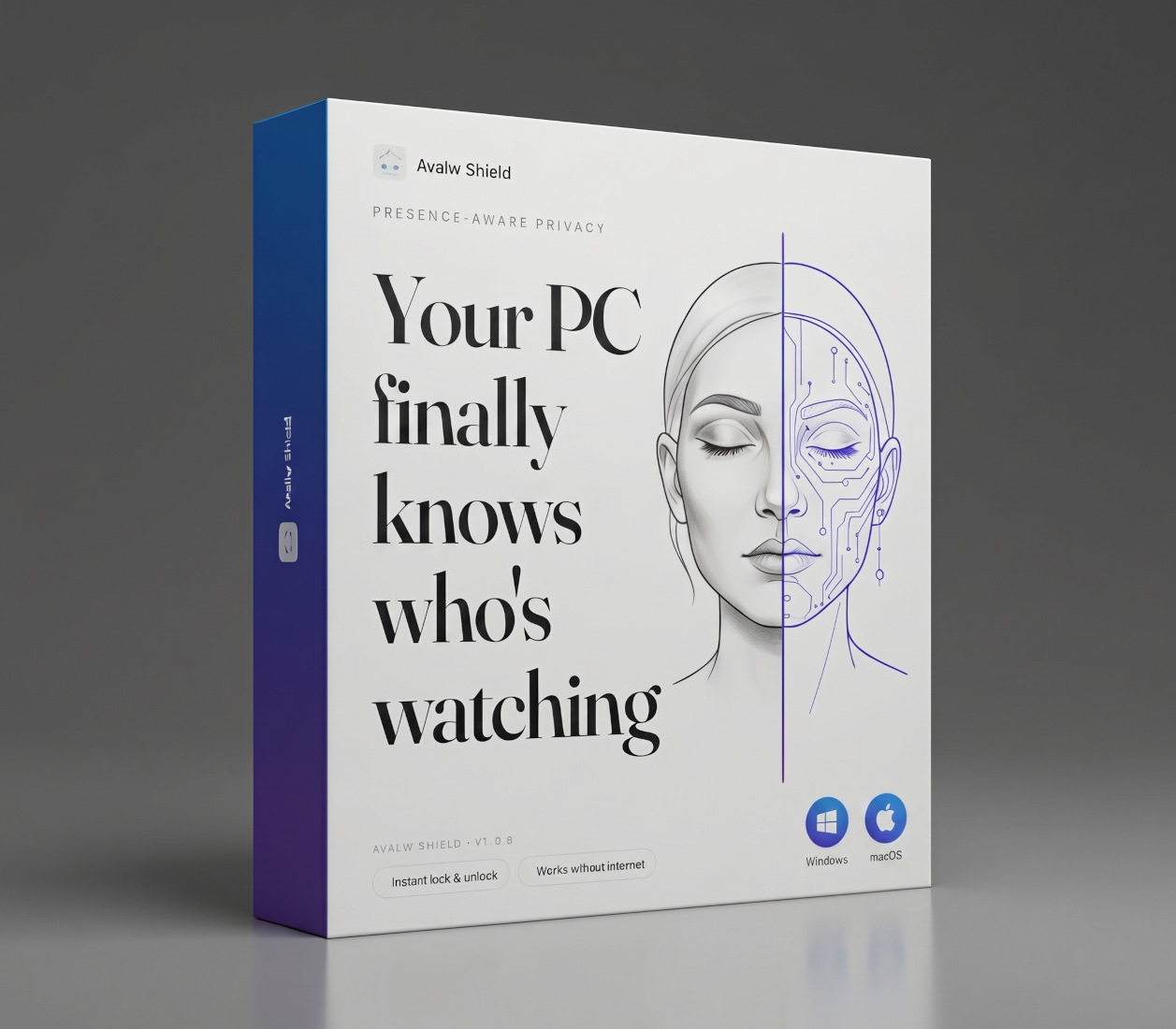
Avalw Shield CD Key
฿4,204 เหลือ 999+

Hunter Disk Cleaner Pro Licence Key (1 Year / 1 PC)
฿94 เหลือ 999+

PDFChef by Movavi Key (Lifetime / 1 PC)
฿321 เหลือ 999+

Luminar Neo Lite License Activation Key
฿935 เหลือ 999+

Skylum Luminar NEO Key
฿1,402 เหลือ 999+
ศูนย์บริการที่คุ้มค่า TC-TERMGAME
ความปลอดภัย
รับประกันความปลอดภัย 100%
บริการรวดเร็ว
รับสินค้าทันทีหลังจากการซื้อ
คุ้มค่าราคาถูก
ราคาถูกและพร้อมโปรโมชั่นราคาประหยัด
บริการตลอดเวลา
เปิดให้บริการตลอด 24 ชั่วโมง