Realtime Transcriber and Translator PC Steam CD Key
cover screenshot screenshot screenshot screenshot

รายละเอียดจากผู้ผลิต (English)

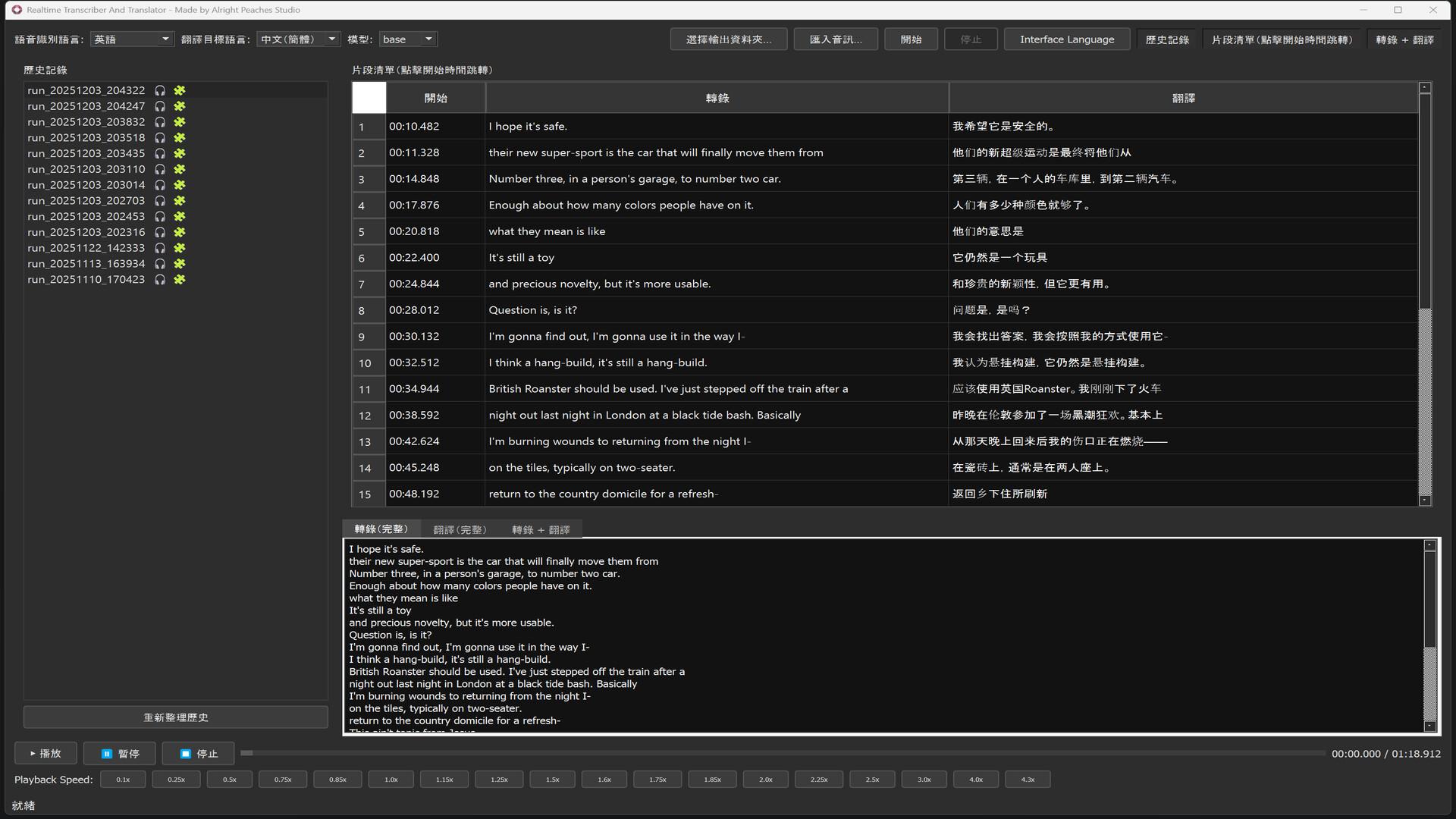
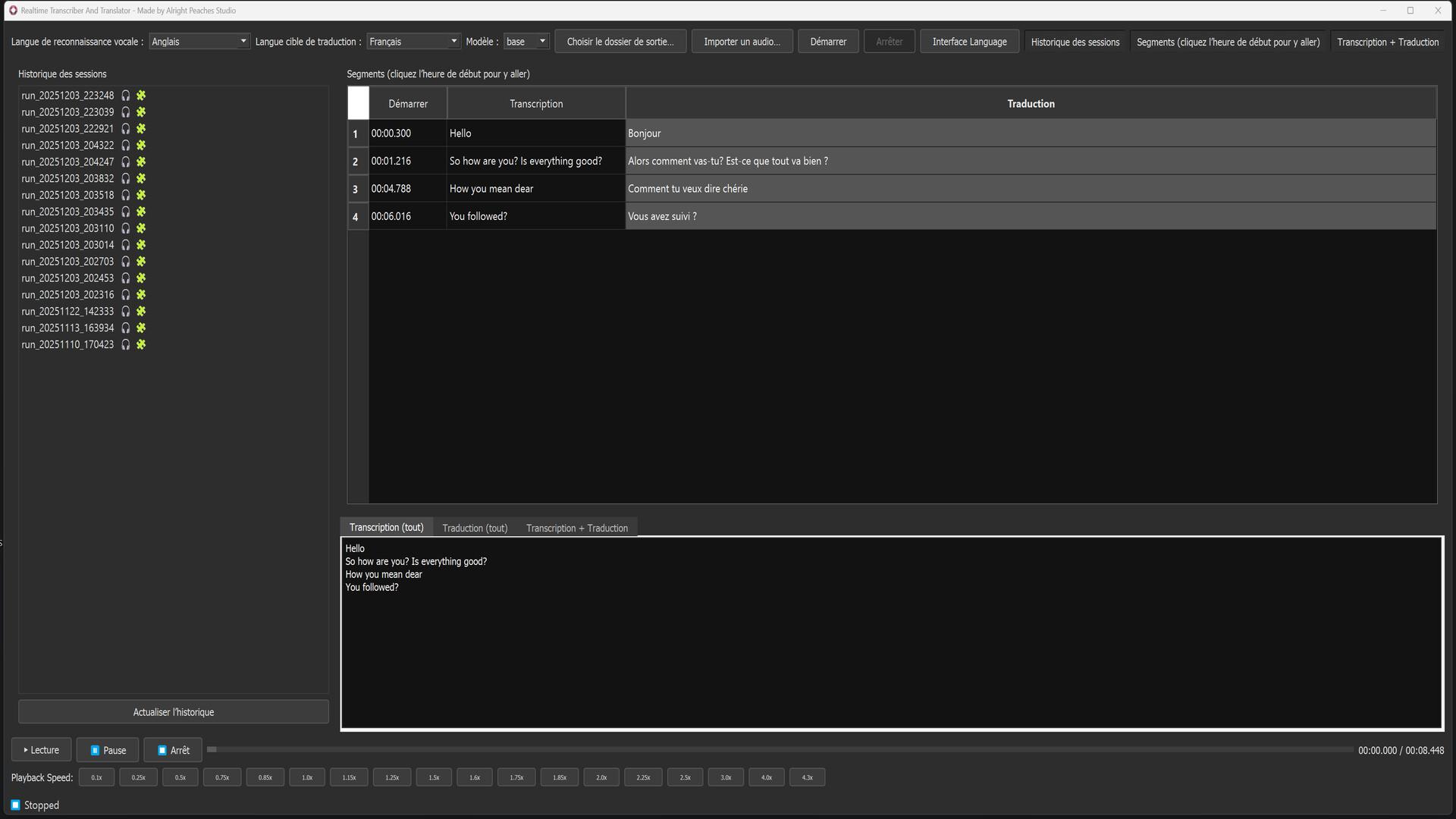
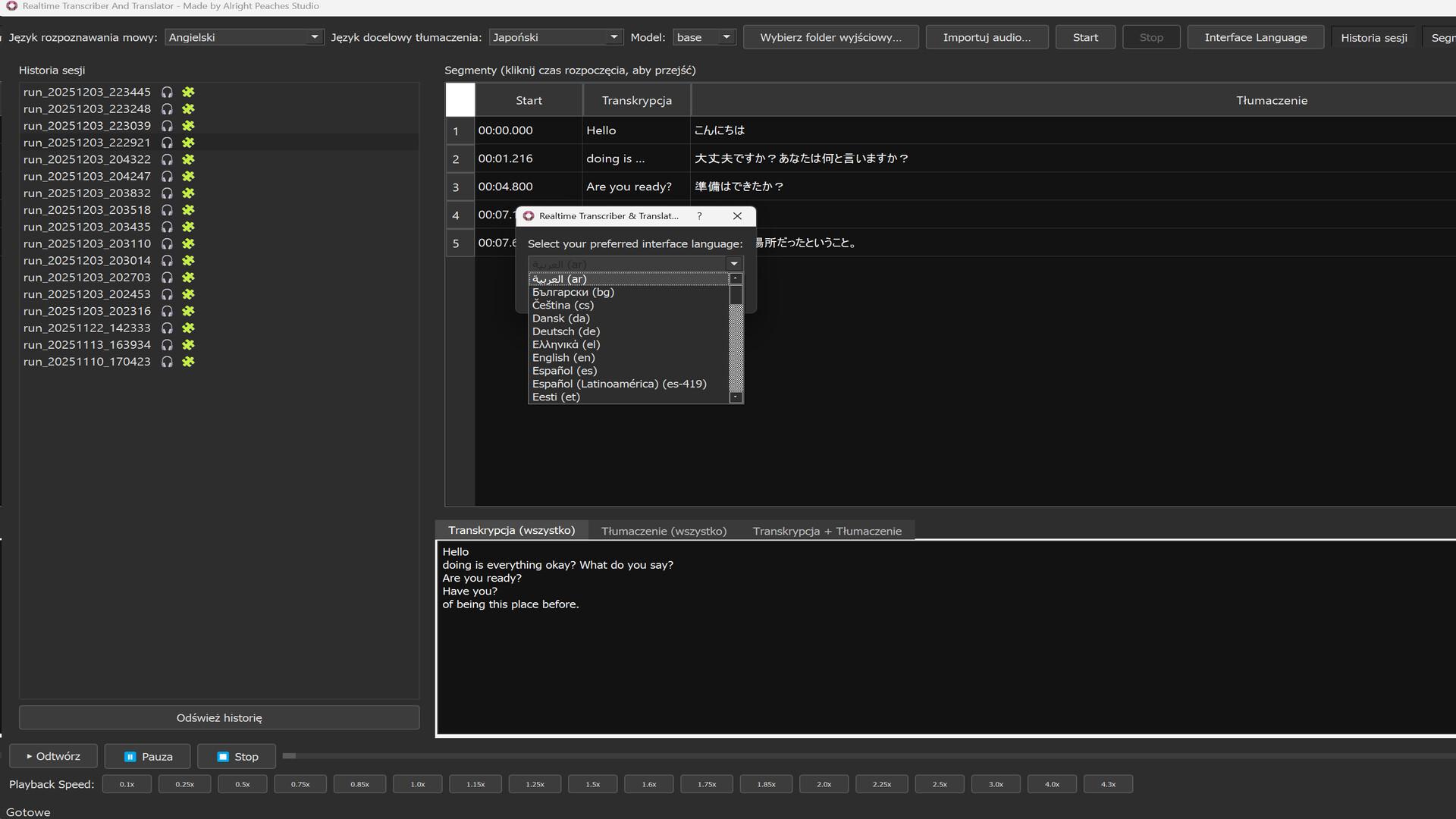
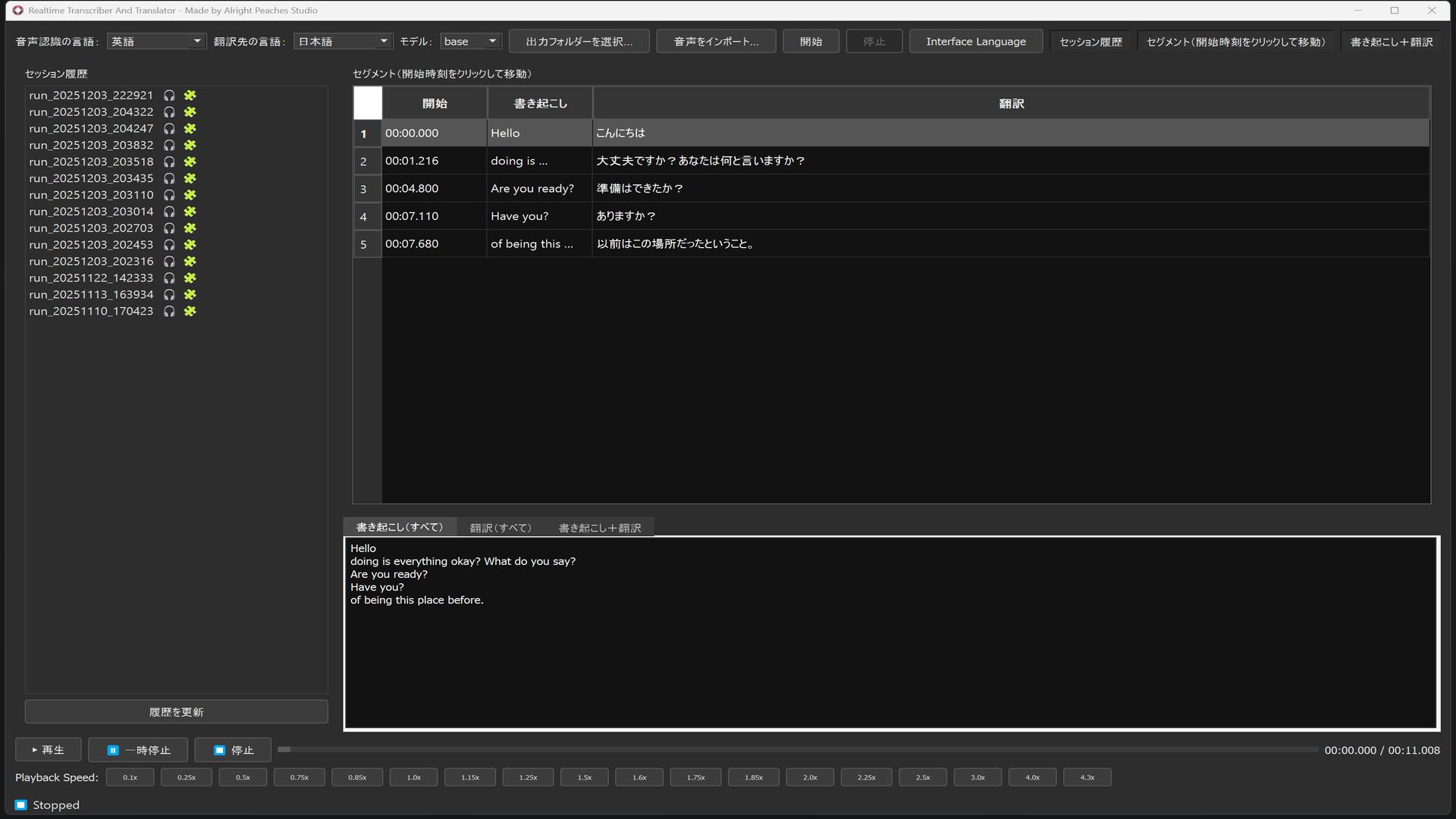
The main functions of this software are as follows: It allows recording on a PC while performing real-time speech-to-text transcription and translation during the recording process. It also supports importing audio files. After the audio is imported, the software automatically starts processing without additional confirmation, and subsequent operations can only be performed after the processing is complete. The processed results are saved in multiple formats and stored in a project folder created in the user-specified location in chronological order. These include: Original audio Transcribed text Translated text Combined transcription + translation text Subtitle files (.SRT) Users can review and manage historical projects within the software or use any third-party media player for playback. The software includes a built-in playback feature. During playback, the corresponding transcript line is highlighted according to the current timestamp to indicate the progress. Users can click any line of the transcript to jump directly to the associated audio position. A keyword search function (Ctrl+F) is also provided to quickly locate the text within the transcription. Language and Interface Support This software supports a multilingual graphical user interface with 45 built-in interface languages. Users may also add new .ini files in the locales folder to further expand language support. Key Technical Features Equipped with Faster-Whisper-based offline transcription models, from lightweight and fast options to more accurate large models. Transcription models are stored in the models folder and can be added or removed based on hardware performance and user needs. Supports online translation and automatically switches to offline translation when no internet connection is detected. The argosmodels folder includes preloaded multilingual offline translation models, and users may add or delete model files as needed. Removing unused transcription and translation models can significantly reduce storage usage. Supports importing various mainstream audio formats without duration or file size limitations. Supports separate or synchronized display of transcription and translation text, with extended history and display management capabilities. Automatically adapts to light or dark mode based on system settings. This software is cost-effective and highly functional, addressing the scarcity and high cost of similar PC-based transcription software.

Realtime Transcriber and Translator PC Steam CD Key

Steam Global — ใช้ได้ทั่วโลก โปรแกรม & Software
คำเตือน: โปรดอ่านรายละเอียดก่อนสั่งซื้อ หากซื้อแล้วไม่สามารถยกเลิกหรือขอเงินคืนได้
฿20 / ชิ้น · รวมภาษีแล้ว
พร้อมส่งทันที · คงเหลือ 18 ชิ้น · วางจำหน่าย 2025-12-19
รวม ฿20
เข้าสู่ระบบเพื่อสั่งซื้อ

วิธีเปิดใช้งานคีย์ (Activation)

Go to: http://store.steampowered.com/ and download STEAM client Click "Install Steam" (from the upper right corner) Install and start application, login with your Account name and Password (create one if you don't have). Please follow these instructions to activate a new retail purchase on Steam: Launch Steam and log into your Steam account. Click the Games Menu. Choose Activate a Product on Steam... Follow the onscreen instructions to complete the process. After successful code verification go to the "LIBRARY" tab and start downloading.

ข้อมูลสินค้า

แพลตฟอร์มSteam
โซนใช้งาน GLOBAL — ใช้ได้ทั่วโลก
ผู้พัฒนาAlright Peaches Studio
ผู้จัดจำหน่ายAlright Peaches Studio
วันวางจำหน่าย2025-12-19
ภาษาที่รองรับEnglish, French, Italian, German, Spanish, Arabic, Bulgarian, Czech, Danish, Dutch และอื่นๆ
Steamเปิดหน้า Steam Store
การจัดส่งรับคีย์อัตโนมัติบนเว็บทันทีหลังชำระเงิน (ปกติไม่เกิน 1-2 นาที)

สินค้าใกล้เคียง

ดูทั้งหมด
ศูนย์บริการที่คุ้มค่า TC-TERMGAME
ความปลอดภัย
รับประกันความปลอดภัย 100%
บริการรวดเร็ว
รับสินค้าทันทีหลังจากการซื้อ
คุ้มค่าราคาถูก
ราคาถูกและพร้อมโปรโมชั่นราคาประหยัด
บริการตลอดเวลา
เปิดให้บริการตลอด 24 ชั่วโมง