
รายละเอียดจากผู้ผลิต (English)
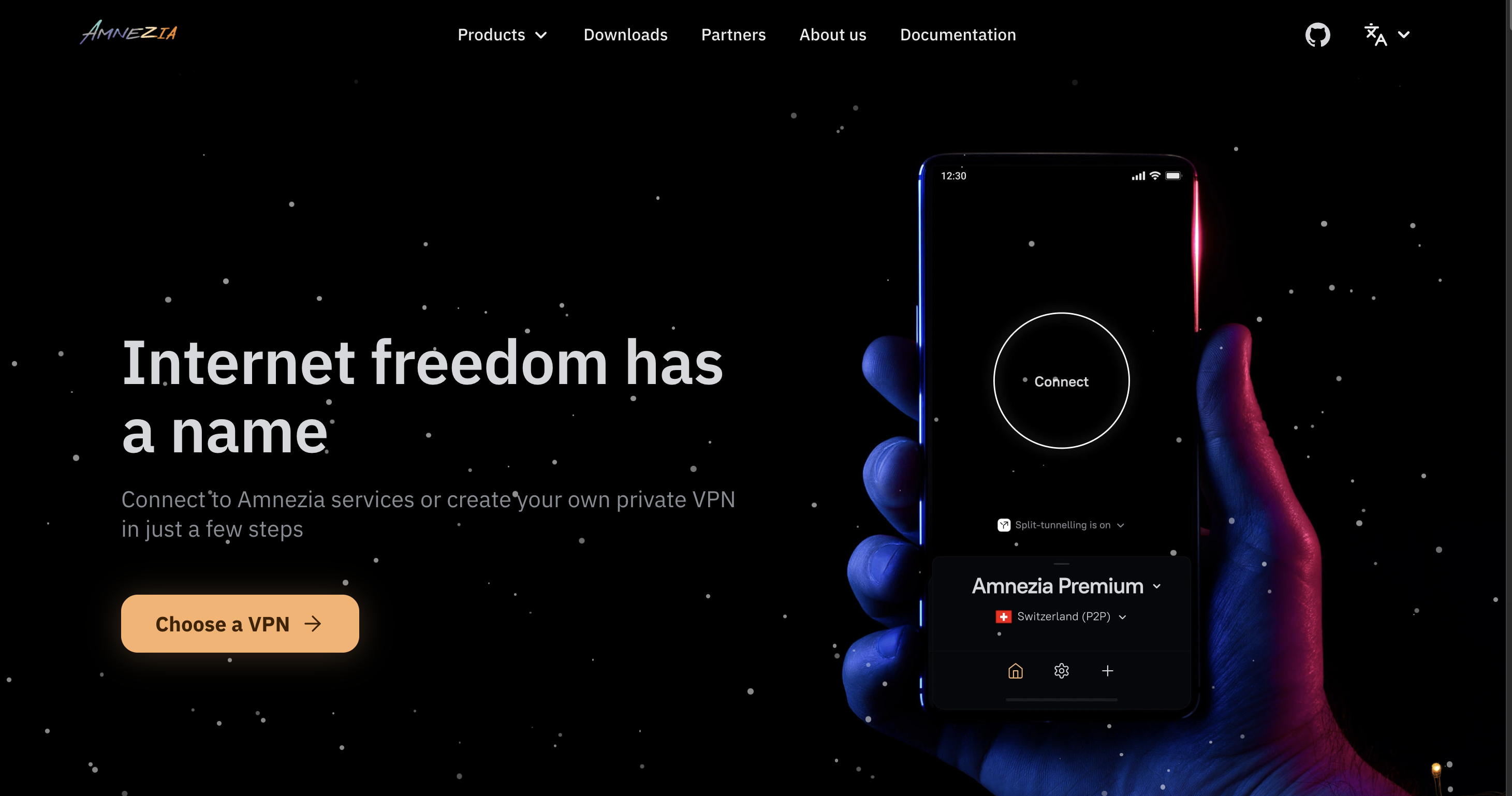
Amnezia Premium VPN Key (6 Months / 7 Devices)
อื่นๆ
Global — ใช้ได้ทั่วโลก
โปรแกรม & Software
คำเตือน: โปรดอ่านรายละเอียดก่อนสั่งซื้อ หากซื้อแล้วไม่สามารถยกเลิกหรือขอเงินคืนได้
วิธีเปิดใช้งานคีย์ (Activation)
Instructions for connecting to Amnezia Premium VPN You've received a one-time Amnezia Premium code. The activation steps are described below: Step1:Follow the link: https://pay.amnezia.org/redeem/ ( https://storage.googleapis.com/amnezia/pay?m-path=redeem ) Step2:Fill in two fields: your email address and the code you received upon purchase. Within a few minutes, you will receive an email with an activation key. Step3:Go to your personal account to manage your subscription using the link: https://cp.amnezia.org/ ( https://storage.googleapis.com/amnezia/cp ) Step4:Insert the activation key and click “Login” After adding the key to the app, you will have access to 20 locations: the Netherlands, Sweden, Germany, Poland, USA, Singapore, Turkey, Finland, UK, Kazakhstan, France, Russia, Switzerland, Japan, Canada, Australia, Portugal, Estonia, South Korea, and the UAE. P2P is supported only in Switzerland. Connections for up to 7 devices are supported. If the Amnezia VPN app is not available in your App Store, change your region in the App Store, or download the DefaultVPN app as an alternative. More detailed instructions are available in your account: https://storage.googleapis.com/amnezia/cp?m-path=/ru Support If you experience connection issues, please contact the Telegram bot (https://t.me/amnezia_premium_support_bot) or email us ([email protected]). *Torrent traffic is blocked in all locations except Switzerland; ports 21 (FTP) and 25 (SMTP) are also blocked.
ข้อมูลสินค้า
| แพลตฟอร์ม | Other |
| โซนใช้งาน | GLOBAL — ใช้ได้ทั่วโลก |
| ผู้พัฒนา | AmneziaVPN |
| ผู้จัดจำหน่าย | AmneziaVPN |
| ภาษาที่รองรับ | English, Russian, Portuguese, Portuguese - Brazil |
| การจัดส่ง | รับคีย์อัตโนมัติบนเว็บทันทีหลังชำระเงิน (ปกติไม่เกิน 1-2 นาที) |
สินค้าใกล้เคียง
ดูทั้งหมด
Avalw Shield CD Key
฿4,204 เหลือ 999+

Hunter Disk Cleaner Pro Licence Key (1 Year / 1 PC)
฿94 เหลือ 999+

PDFChef by Movavi Key (Lifetime / 1 PC)
฿321 เหลือ 999+

Luminar Neo Lite License Activation Key
฿935 เหลือ 999+

Skylum Luminar NEO Key
฿1,402 เหลือ 999+
Luminar AI License Activation Key
฿1,075 เหลือ 999+
ศูนย์บริการที่คุ้มค่า TC-TERMGAME
ความปลอดภัย
รับประกันความปลอดภัย 100%
บริการรวดเร็ว
รับสินค้าทันทีหลังจากการซื้อ
คุ้มค่าราคาถูก
ราคาถูกและพร้อมโปรโมชั่นราคาประหยัด
บริการตลอดเวลา
เปิดให้บริการตลอด 24 ชั่วโมง