


รายละเอียดจากผู้ผลิต (English)
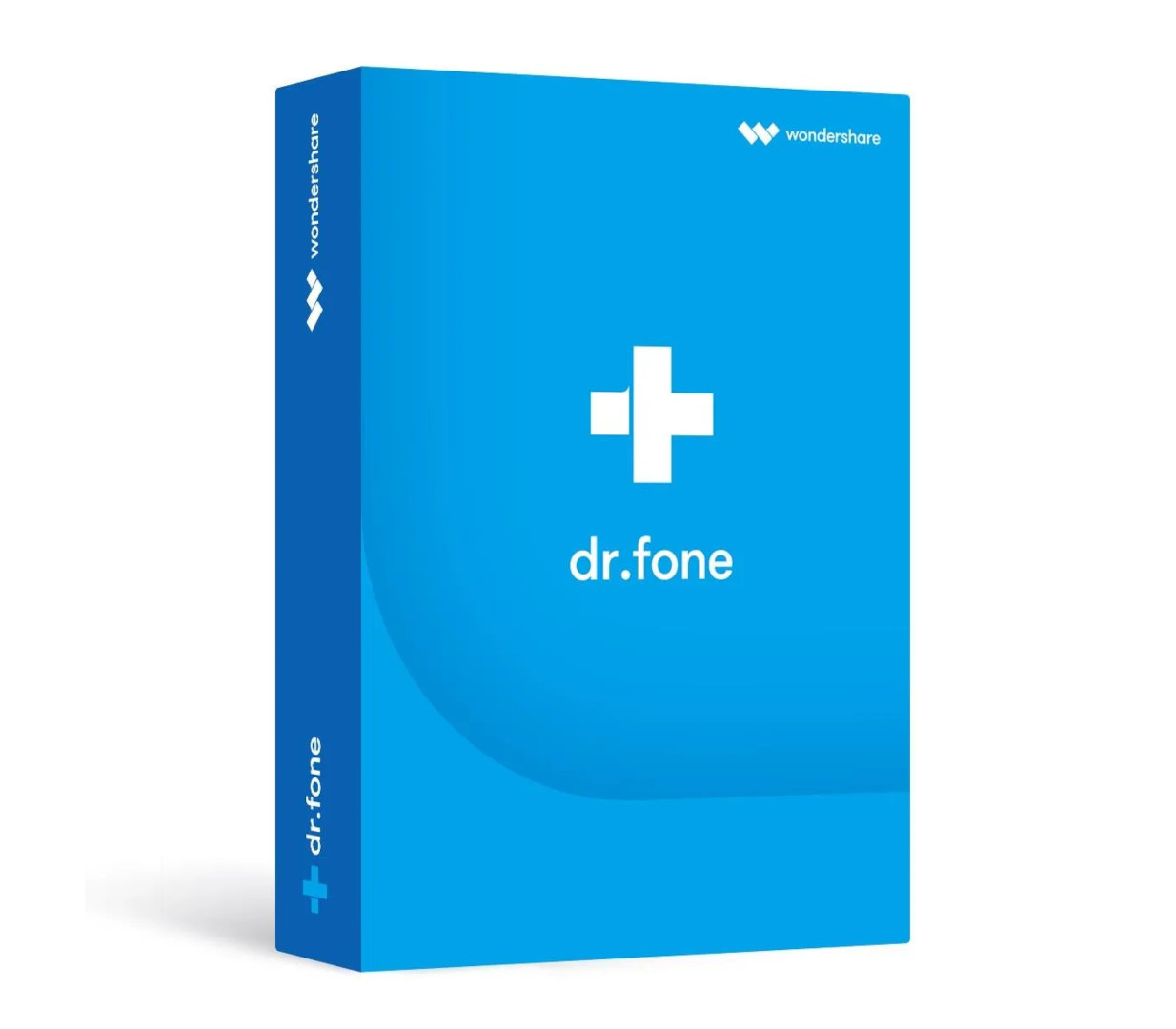
Wondershare Dr.Fone Full Toolkit Perpetual License Key (5 PCs)
อื่นๆ
Global — ใช้ได้ทั่วโลก
โปรแกรม & Software
คำเตือน: โปรดอ่านรายละเอียดก่อนสั่งซื้อ หากซื้อแล้วไม่สามารถยกเลิกหรือขอเงินคืนได้
วิธีเปิดใช้งานคีย์ (Activation)
On your browser, open https://drfone.wondershare.com/ and click Download Now or Try for Free to https://download.wondershare.com/drfone_full3360.exe. OR click the button below to download it. Once it's downloaded, you can find the downloaded file among in the Downloads list on your browser. Just click on the downloaded file. Then, on the prompt window, click the Install button to start installing Dr.Fone on your computer. On this window, you can check the Privacy Policy and End-user License Agreement. Besides that, you can also click Customize Install to customize the program language and installation path. Then the installing process starts. Depending on your network condition, it will take a few seconds or minutes.Once it's finished, click Start Now to open Dr.Fone. On Dr.Fone home screen, click the Login button in the top-right corner. A Login window will pop up, and you can log in with your Wondershare ID account to activate it.
ข้อมูลสินค้า
| แพลตฟอร์ม | Other |
| โซนใช้งาน | GLOBAL — ใช้ได้ทั่วโลก |
| ภาษาที่รองรับ | English, German, Hungarian, Italian |
| การจัดส่ง | รับคีย์อัตโนมัติบนเว็บทันทีหลังชำระเงิน (ปกติไม่เกิน 1-2 นาที) |
สินค้าใกล้เคียง
ดูทั้งหมด
Celemony Melodyne 5 Essential PC/MAC CD Key
฿119 เหลือ 999+
Avalw Shield CD Key
฿4,204 เหลือ 999+

Hunter Disk Cleaner Pro Licence Key (1 Year / 1 PC)
฿94 เหลือ 999+

PDFChef by Movavi Key (Lifetime / 1 PC)
฿321 เหลือ 999+

Luminar Neo Lite License Activation Key
฿935 เหลือ 999+

Skylum Luminar NEO Key
฿1,402 เหลือ 999+
ศูนย์บริการที่คุ้มค่า TC-TERMGAME
ความปลอดภัย
รับประกันความปลอดภัย 100%
บริการรวดเร็ว
รับสินค้าทันทีหลังจากการซื้อ
คุ้มค่าราคาถูก
ราคาถูกและพร้อมโปรโมชั่นราคาประหยัด
บริการตลอดเวลา
เปิดให้บริการตลอด 24 ชั่วโมง