
รายละเอียดจากผู้ผลิต (English)
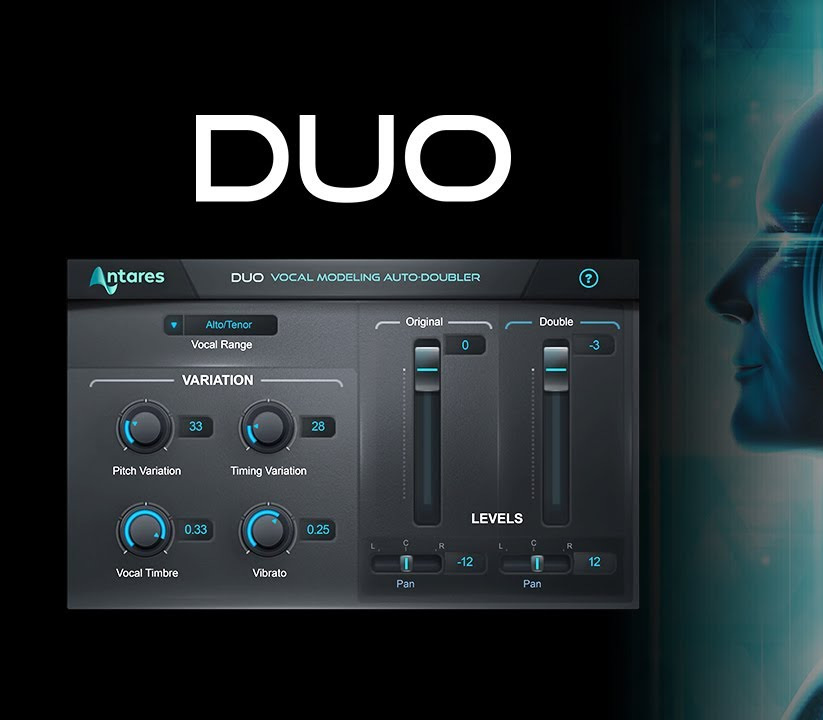
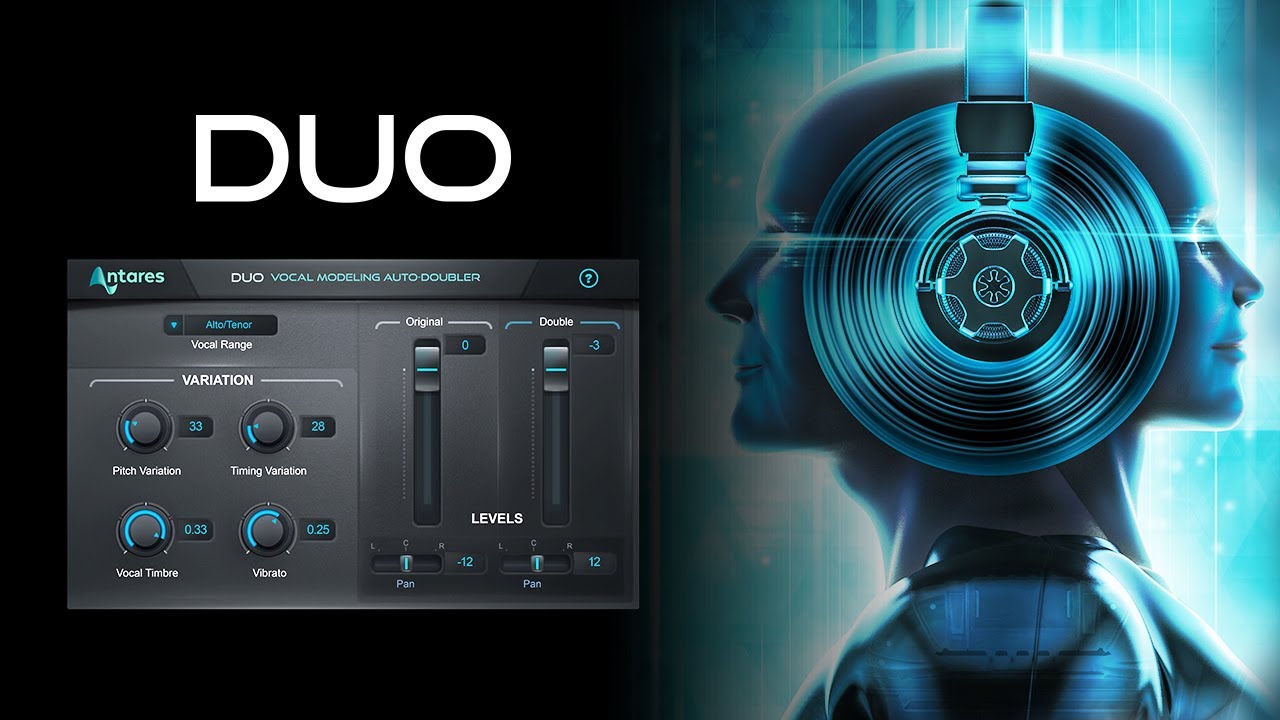
Antares AutoTune Duo CD Key
อื่นๆ
Global — ใช้ได้ทั่วโลก
โปรแกรม & Software
คำเตือน: โปรดอ่านรายละเอียดก่อนสั่งซื้อ หากซื้อแล้วไม่สามารถยกเลิกหรือขอเงินคืนได้
วิธีเปิดใช้งานคีย์ (Activation)
Step1:Install Auto-Tune Central Auto-Tune Central is Antares' download manager, where you can install your plug-ins and manage their activations. If you don’t have it installed on your computer yet, visit our website here to download the latest installer. After downloading, run the installer. After installation is complete, you can find Auto-Tune Central in your computer’s applications folder:MacOS: /ApplicationsWindows: C:\Program Files\Antares Audio Technologies Step2:Open Auto-Tune Central and Log In On the login screen in Auto-Tune Central, enter the email address and password for your Antares account. Step3:Navigate to the Redeem a License Tab In the top banner of Auto-Tune Central, select "Redeem a License." Enter your 25-digit registration code, then click Redeem and Activate. Step 4. Install Your Plug-In Click the blue Install button next to your license. If you have an Auto-Tune Unlimited subscription or similar plug-in bundle, you can install all of the included plug-ins with one click using the Install All button. Note: If an update is available for your plug-in, the blue Install button will be replaced with a yellow Update button. Click the Update button to install the latest version of your plug-in. Step 5. Activate Your License Click the blue Activate button. Each license can be activated on up to two locations simultaneously. You may activate your license onto a computer, a physical iLok dongle, or a combination of the two options. See this FAQ page for more information on iLok license management. After activating your license, you're ready to use your Antares plug-in(s) in your DAW! You can find more information here: https://antares-web-frontend.sfo3.cdn.digitaloceanspaces.com/documentation/pdfs/Duo-User-Guide.pdf
ข้อมูลสินค้า
| แพลตฟอร์ม | Other |
| โซนใช้งาน | GLOBAL — ใช้ได้ทั่วโลก |
| ภาษาที่รองรับ | English |
| การจัดส่ง | รับคีย์อัตโนมัติบนเว็บทันทีหลังชำระเงิน (ปกติไม่เกิน 1-2 นาที) |
สินค้าใกล้เคียง
ดูทั้งหมด
Celemony Melodyne 5 Essential PC/MAC CD Key
฿119 เหลือ 999+

Avalw Shield CD Key
฿4,204 เหลือ 999+

Hunter Disk Cleaner Pro Licence Key (1 Year / 1 PC)
฿94 เหลือ 999+

PDFChef by Movavi Key (Lifetime / 1 PC)
฿321 เหลือ 999+

Luminar Neo Lite License Activation Key
฿935 เหลือ 999+

Skylum Luminar NEO Key
฿1,402 เหลือ 999+
ศูนย์บริการที่คุ้มค่า TC-TERMGAME
ความปลอดภัย
รับประกันความปลอดภัย 100%
บริการรวดเร็ว
รับสินค้าทันทีหลังจากการซื้อ
คุ้มค่าราคาถูก
ราคาถูกและพร้อมโปรโมชั่นราคาประหยัด
บริการตลอดเวลา
เปิดให้บริการตลอด 24 ชั่วโมง