

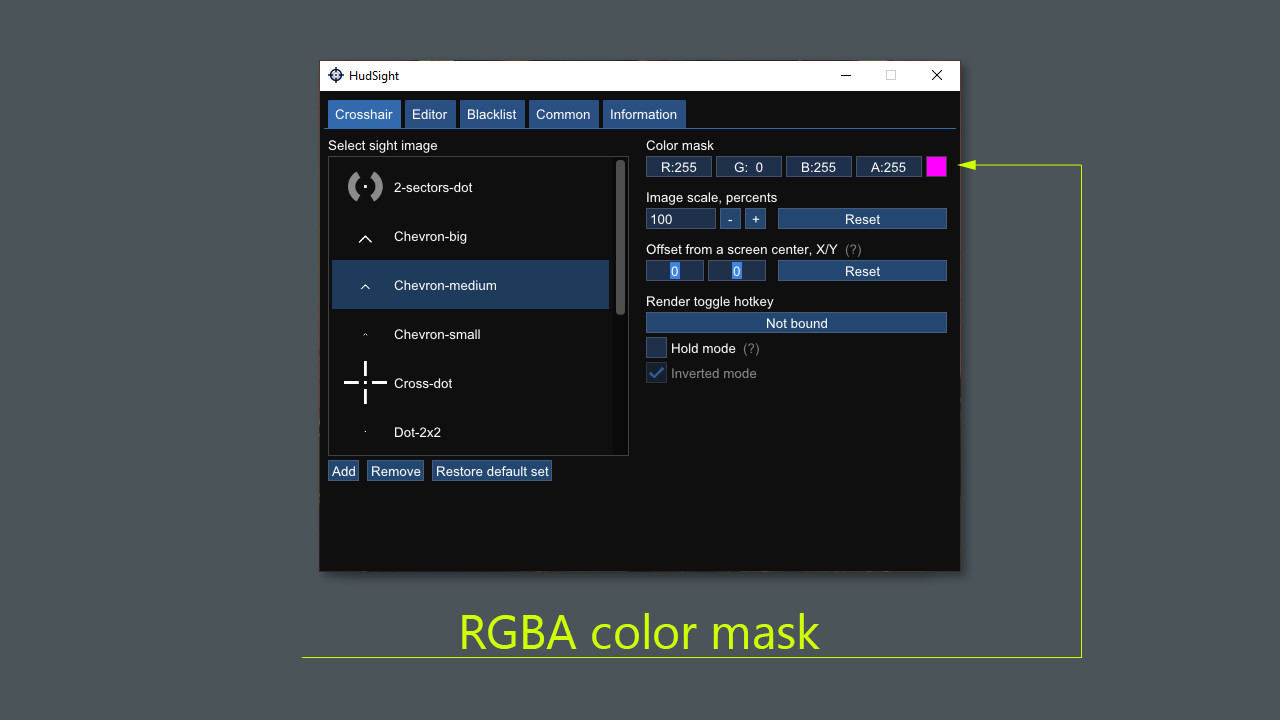

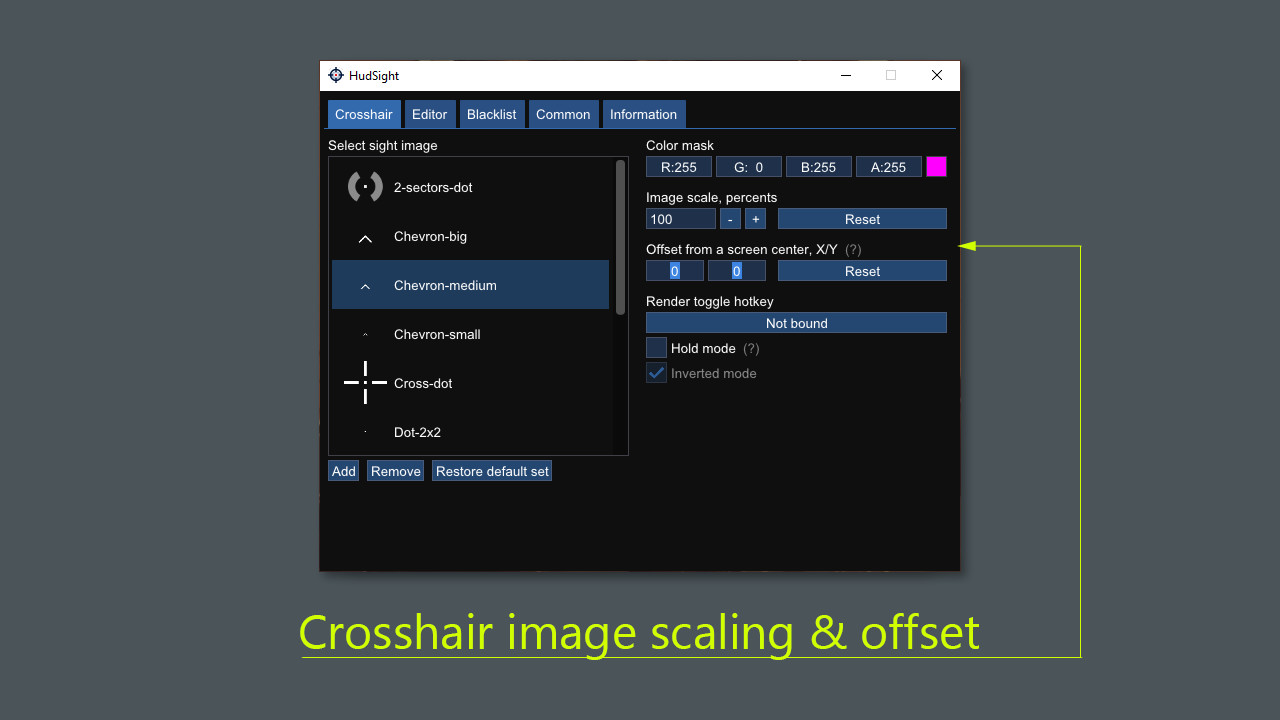
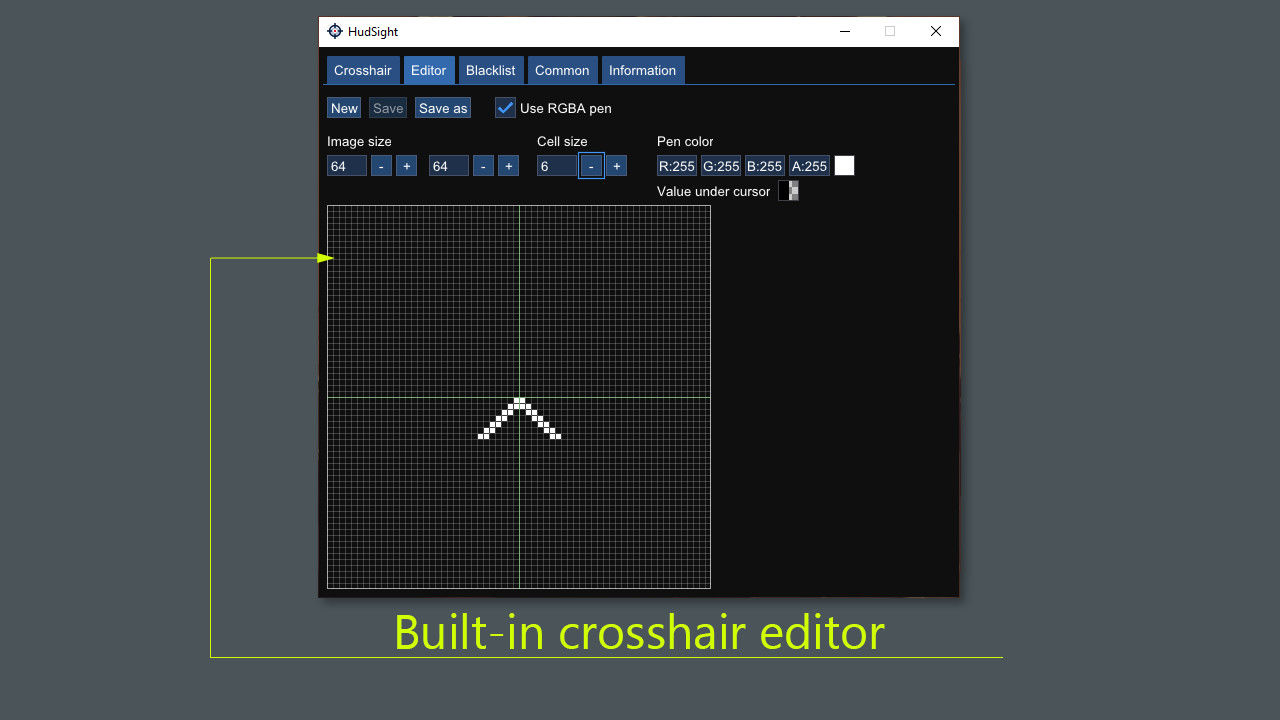
รายละเอียดจากผู้ผลิต (English)
HudSight - crosshair overlay PC Steam Account
Steam
Global — ใช้ได้ทั่วโลก
โปรแกรม & Software
บัญชีเกม (Account)
คำเตือน: โปรดอ่านรายละเอียดก่อนสั่งซื้อ หากซื้อแล้วไม่สามารถยกเลิกหรือขอเงินคืนได้
฿372
/ ชิ้น · รวมภาษีแล้ว
พร้อมส่งทันที · คงเหลือ 5 ชิ้น
· วางจำหน่าย 2021-01-05
รวม ฿372
เข้าสู่ระบบเพื่อสั่งซื้อ
วิธีเปิดใช้งานคีย์ (Activation)
Use the credentials you received (directly or via an external website) and log into the account. Make sure that the content on the account is correct (correct edition of the game, no playtime etc) Change the credentials to make the account your own: Change the email Change the password Add 2FA (Steam Guard) Please note that it may not be possible to add the purchased account to an existing Steam Family and to enable Family Sharing. The account should be used as a way of accessing the game/content you are interested in. It is not recommended to use it as your main account, as you might have issues with making purchases on it. Applying any changes to the purchased account, such as adding a payment method or changing the region, may result in the account being banned. In such cases, no refund is applicable.
ข้อมูลสินค้า
| แพลตฟอร์ม | Steam |
| โซนใช้งาน | GLOBAL — ใช้ได้ทั่วโลก |
| ผู้พัฒนา | Eduard Kozadaev |
| ผู้จัดจำหน่าย | Eduard Kozadaev |
| วันวางจำหน่าย | 2021-01-05 |
| ภาษาที่รองรับ | English |
| Steam | เปิดหน้า Steam Store |
| การจัดส่ง | รับคีย์อัตโนมัติบนเว็บทันทีหลังชำระเงิน (ปกติไม่เกิน 1-2 นาที) |
สินค้าใกล้เคียง
ดูทั้งหมด
Celemony Melodyne 5 Essential PC/MAC CD Key
฿119 เหลือ 999+

Avalw Shield CD Key
฿4,204 เหลือ 999+

Hunter Disk Cleaner Pro Licence Key (1 Year / 1 PC)
฿94 เหลือ 999+

PDFChef by Movavi Key (Lifetime / 1 PC)
฿321 เหลือ 999+

Luminar Neo Lite License Activation Key
฿935 เหลือ 999+

Skylum Luminar NEO Key
฿1,402 เหลือ 999+
ศูนย์บริการที่คุ้มค่า TC-TERMGAME
ความปลอดภัย
รับประกันความปลอดภัย 100%
บริการรวดเร็ว
รับสินค้าทันทีหลังจากการซื้อ
คุ้มค่าราคาถูก
ราคาถูกและพร้อมโปรโมชั่นราคาประหยัด
บริการตลอดเวลา
เปิดให้บริการตลอด 24 ชั่วโมง