


รายละเอียดจากผู้ผลิต (English)
Minecraft - Big Mac Crystal Skin DLC XBOX One / Xbox Series X|S / PC CD Key
Xbox
Global — ใช้ได้ทั่วโลก
DLC & Season Pass
คำเตือน: โปรดอ่านรายละเอียดก่อนสั่งซื้อ หากซื้อแล้วไม่สามารถยกเลิกหรือขอเงินคืนได้
วิธีเปิดใช้งานคีย์ (Activation)
FROM A WEB BROWSER:
Go to this website. Log into your Microsoft Account. Enter the key and click Next. Follow the prompts.
IN THE MICROSOFT STORE ON WINDOWS:
Press the Start button , and then enter store into the search bar. Choose Microsoft Store from the results to open the app. Select your account in the top-right corner of the screen, and then select Redeem code or gift cards. Enter the 25-character code, select Next, and then follow the prompts.
ON XBOX ONE AND XBOX SERIES X|S:
Press the Xbox button to open the guide, and then select Store. Press the View button to open the side menu, and then select Redeem. Enter the 25-character code, select Next, and then follow the prompts.
ON XBOX 360:
Press the Guide button on your controller. Select Games & Apps, and then select Redeem Code. Enter the 25-character code, and then follow the prompts to complete your redemption. Please note that Xbox 360 codes can ONLY be activated on the Xbox 360 console directly!
Go to this website. Log into your Microsoft Account. Enter the key and click Next. Follow the prompts.
IN THE MICROSOFT STORE ON WINDOWS:
Press the Start button , and then enter store into the search bar. Choose Microsoft Store from the results to open the app. Select your account in the top-right corner of the screen, and then select Redeem code or gift cards. Enter the 25-character code, select Next, and then follow the prompts.
ON XBOX ONE AND XBOX SERIES X|S:
Press the Xbox button to open the guide, and then select Store. Press the View button to open the side menu, and then select Redeem. Enter the 25-character code, select Next, and then follow the prompts.
ON XBOX 360:
Press the Guide button on your controller. Select Games & Apps, and then select Redeem Code. Enter the 25-character code, and then follow the prompts to complete your redemption. Please note that Xbox 360 codes can ONLY be activated on the Xbox 360 console directly!
ข้อมูลสินค้า
| แพลตฟอร์ม | Xbox One |
| โซนใช้งาน | GLOBAL — ใช้ได้ทั่วโลก |
| ผู้พัฒนา | 4J Studios |
| ผู้จัดจำหน่าย | Mojang |
| เรตอายุ | PEGI 7 |
| การจัดส่ง | รับคีย์อัตโนมัติบนเว็บทันทีหลังชำระเงิน (ปกติไม่เกิน 1-2 นาที) |
สินค้าใกล้เคียง
ดูทั้งหมด
Minecraft Java & Bedrock Edition - Builder Cape DLC XBOX One / Xbox Series X|S / PC CD Key
฿3 เหลือ 999+

Minecraft - Copper Cape DLC XBOX One / Xbox Series X|S / PC CD Key
฿3 เหลือ 999+
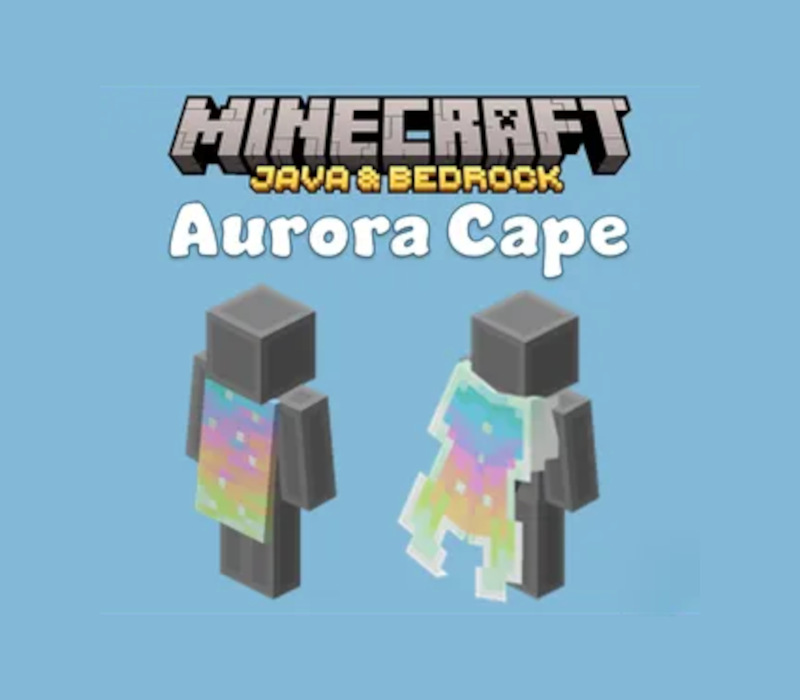
Minecraft Java & Bedrock Edition - Aurora Cape DLC XBOX One / Xbox Series X|S / PC CD Key
฿3 เหลือ 999+
Mount & Blade II: Bannerlord - War Sails DLC SEA PC Steam CD Key
฿457 เหลือ 999+
Sneak Out - Gortat's Outfit DLC CD Key
฿212 เหลือ 999+

Minecraft - Parched Hoodie DLC XBOX One / Xbox Series X|S / PC CD Key
฿3 เหลือ 999+
ศูนย์บริการที่คุ้มค่า TC-TERMGAME
ความปลอดภัย
รับประกันความปลอดภัย 100%
บริการรวดเร็ว
รับสินค้าทันทีหลังจากการซื้อ
คุ้มค่าราคาถูก
ราคาถูกและพร้อมโปรโมชั่นราคาประหยัด
บริการตลอดเวลา
เปิดให้บริการตลอด 24 ชั่วโมง