
รายละเอียดจากผู้ผลิต (English)
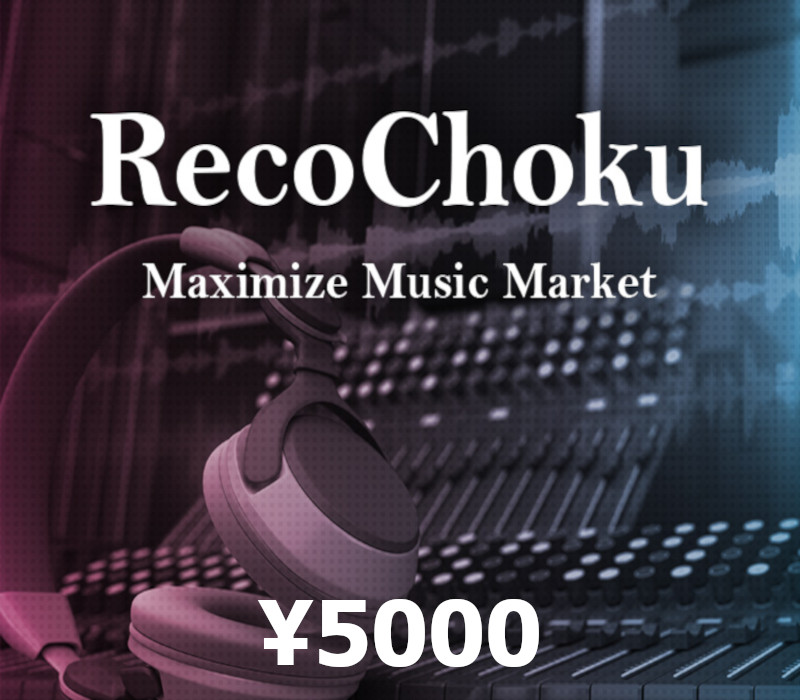
Recochoku ¥5000 Gift Card JP
อื่นๆ
ASIA
บัตรเติมเงิน & Gift Card
คำเตือน: โปรดอ่านรายละเอียดก่อนสั่งซื้อ หากซื้อแล้วไม่สามารถยกเลิกหรือขอเงินคืนได้
สินค้านี้ไม่ใช่ประเภท TH โปรดตัดสินใจก่อนสั่งซื้อ หากใช้งานในไทยไม่ได้ จะไม่สามารถยกเลิกหรือขอเงินคืนได้
สินค้าประเภทของขวัญ/บัตร/โค้ดทดลอง บางรายการมีกำหนดเวลากดใช้โค้ดหลังได้รับ (เช่น ภายใน 24-48 ชม.) แนะนำให้กดใช้ทันทีที่ได้รับคีย์ และอ่านเงื่อนไขในรายละเอียดสินค้าให้ครบ
วิธีเปิดใช้งานคีย์ (Activation)
Buying songs on "Recochoku": Select the song you want to purchase from the store and proceed to the purchase procedure screen. Select "Recochoku prepaid card balance" from the payment method selection. Check the "Current balance", "Purchase amount", and "Balance after purchase" displays, then pay and complete the purchase. For more information on how to use Recochoku prepaid, please visit the following website. (http://recochoku.com/prepaidcard/) Note: Can be used with smartphones (Android, iPhone) and computers that are compatible with the Recochoku Store Cannot be used with conventional mobile phones, or Nintendo 3DS LL/Nintendo 3DS download software Recochoku. Some smartphones are not compatible. Please check the following website for compatible Recochoku models before purchasing. (http://recochoku.jp/cs/device/). To use, you must register (free) and log in to Club Recochoku. Recochoku Prepaid has an expiration date. Recochoku Prepaid cannot be used after the expiration date. The expiration date of the unused balance after adding balance is one year from the last balance addition. If it has expired, it will be invalid and cannot be used. The upper limit for adding balance is 500, 000 yen of unused balance. You cannot add a balance exceeding this amount. Cancellation, refunds, returns, cash conversion, ticket reissue, ticket expiration extension, or exchange for other tickets cannot be accepted. Please note that we cannot provide support if this ticket is resold.
ข้อมูลสินค้า
| แพลตฟอร์ม | Other |
| โซนใช้งาน | ASIA (โปรดตัดสินใจก่อนสั่งซื้อ ยกเลิกไม่ได้) |
| ภาษาที่รองรับ | Japanese, English |
| การจัดส่ง | รับคีย์อัตโนมัติบนเว็บทันทีหลังชำระเงิน (ปกติไม่เกิน 1-2 นาที) |
สินค้าใกล้เคียง
ดูทั้งหมด
Boosteroid Cloud Gaming ULTRA PRO - 1 Week Subscription Key
฿519 เหลือ 999+
Boosteroid Cloud Gaming ULTRA PRO - 1 Month Subscription Key
฿849 เหลือ 999+
Boosteroid Cloud Gaming ULTRA - 1 Week Subscription Key
฿474 เหลือ 999+
Boosteroid Cloud Gaming ULTRA - 1 Month Subscription Key
฿786 เหลือ 999+

XBOX Live 25 TRY Prepaid Card TR
฿96 เหลือ 999+
ExitLag Annual Subscription Plan
฿2,160 เหลือ 999+
ศูนย์บริการที่คุ้มค่า TC-TERMGAME
ความปลอดภัย
รับประกันความปลอดภัย 100%
บริการรวดเร็ว
รับสินค้าทันทีหลังจากการซื้อ
คุ้มค่าราคาถูก
ราคาถูกและพร้อมโปรโมชั่นราคาประหยัด
บริการตลอดเวลา
เปิดให้บริการตลอด 24 ชั่วโมง