
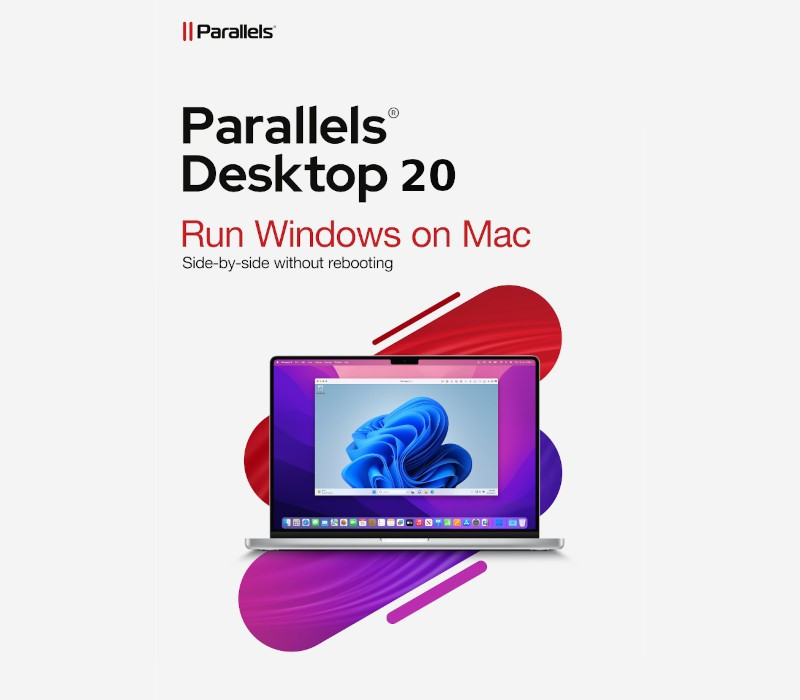

รายละเอียดจากผู้ผลิต (English)
Parallels Desktop 20 Standard for Mac Key
อื่นๆ
Global — ใช้ได้ทั่วโลก
โปรแกรม & Software
คำเตือน: โปรดอ่านรายละเอียดก่อนสั่งซื้อ หากซื้อแล้วไม่สามารถยกเลิกหรือขอเงินคืนได้
วิธีเปิดใช้งานคีย์ (Activation)
Go https://www.parallels.com/eu/products/desktop/trial/ to enter and submit your email address, so you can receive the software download link. Download the Parallels Desktop 20 software and proceed with the installation. Open the installation package and start installing the Parallels Desktop 20 virtual machine. Download the License Installer. Allow access for the License Installer. Open "License". Enter the key you have received. The software is now active.
ข้อมูลสินค้า
| แพลตฟอร์ม | Other |
| โซนใช้งาน | GLOBAL — ใช้ได้ทั่วโลก |
| ภาษาที่รองรับ | English |
| การจัดส่ง | รับคีย์อัตโนมัติบนเว็บทันทีหลังชำระเงิน (ปกติไม่เกิน 1-2 นาที) |
สินค้าใกล้เคียง
ดูทั้งหมด
Celemony Melodyne 5 Essential PC/MAC CD Key
฿119 เหลือ 999+
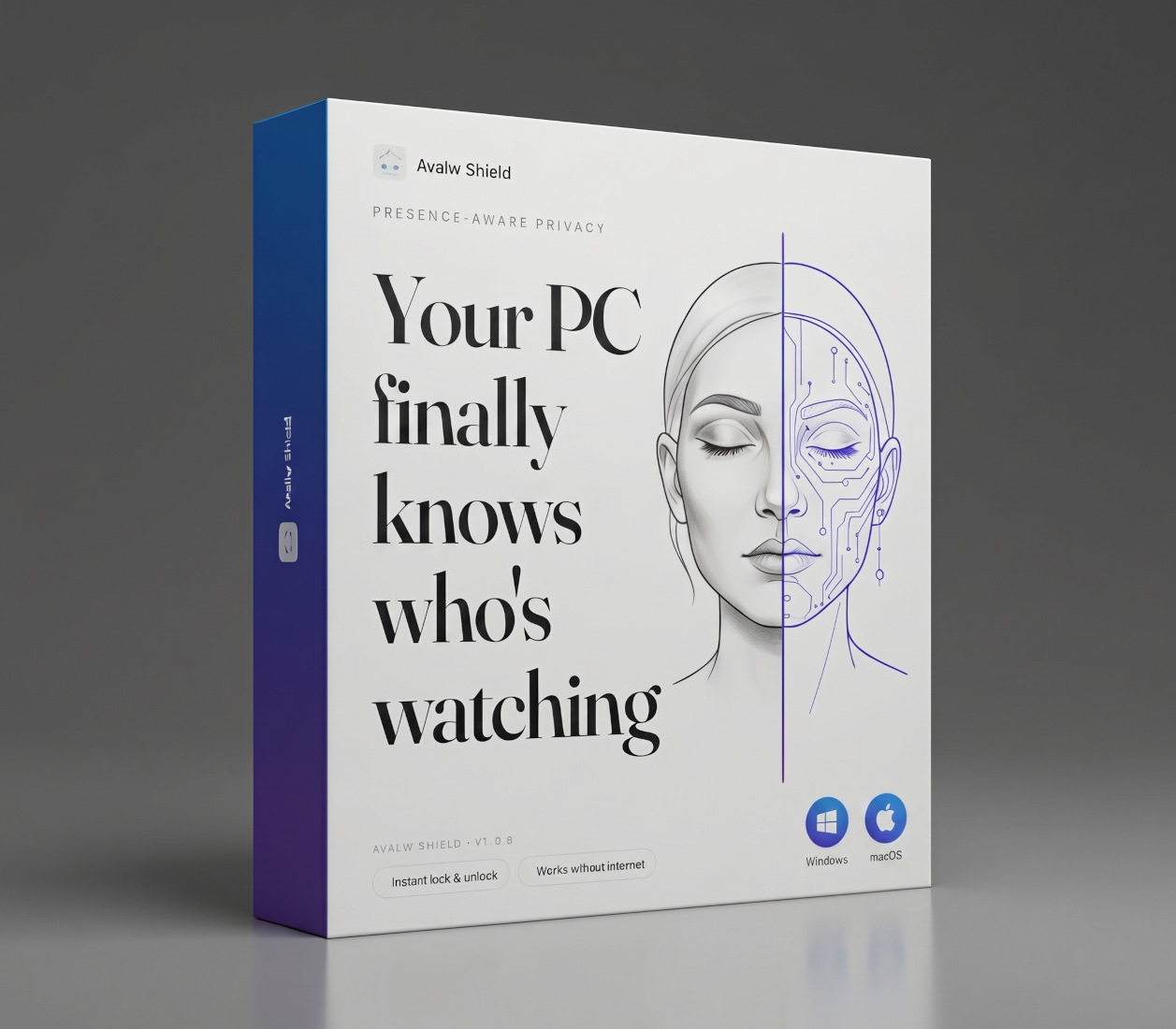
Avalw Shield CD Key
฿4,204 เหลือ 999+

Hunter Disk Cleaner Pro Licence Key (1 Year / 1 PC)
฿94 เหลือ 999+

PDFChef by Movavi Key (Lifetime / 1 PC)
฿321 เหลือ 999+

Luminar Neo Lite License Activation Key
฿935 เหลือ 999+

Skylum Luminar NEO Key
฿1,402 เหลือ 999+
ศูนย์บริการที่คุ้มค่า TC-TERMGAME
ความปลอดภัย
รับประกันความปลอดภัย 100%
บริการรวดเร็ว
รับสินค้าทันทีหลังจากการซื้อ
คุ้มค่าราคาถูก
ราคาถูกและพร้อมโปรโมชั่นราคาประหยัด
บริการตลอดเวลา
เปิดให้บริการตลอด 24 ชั่วโมง