

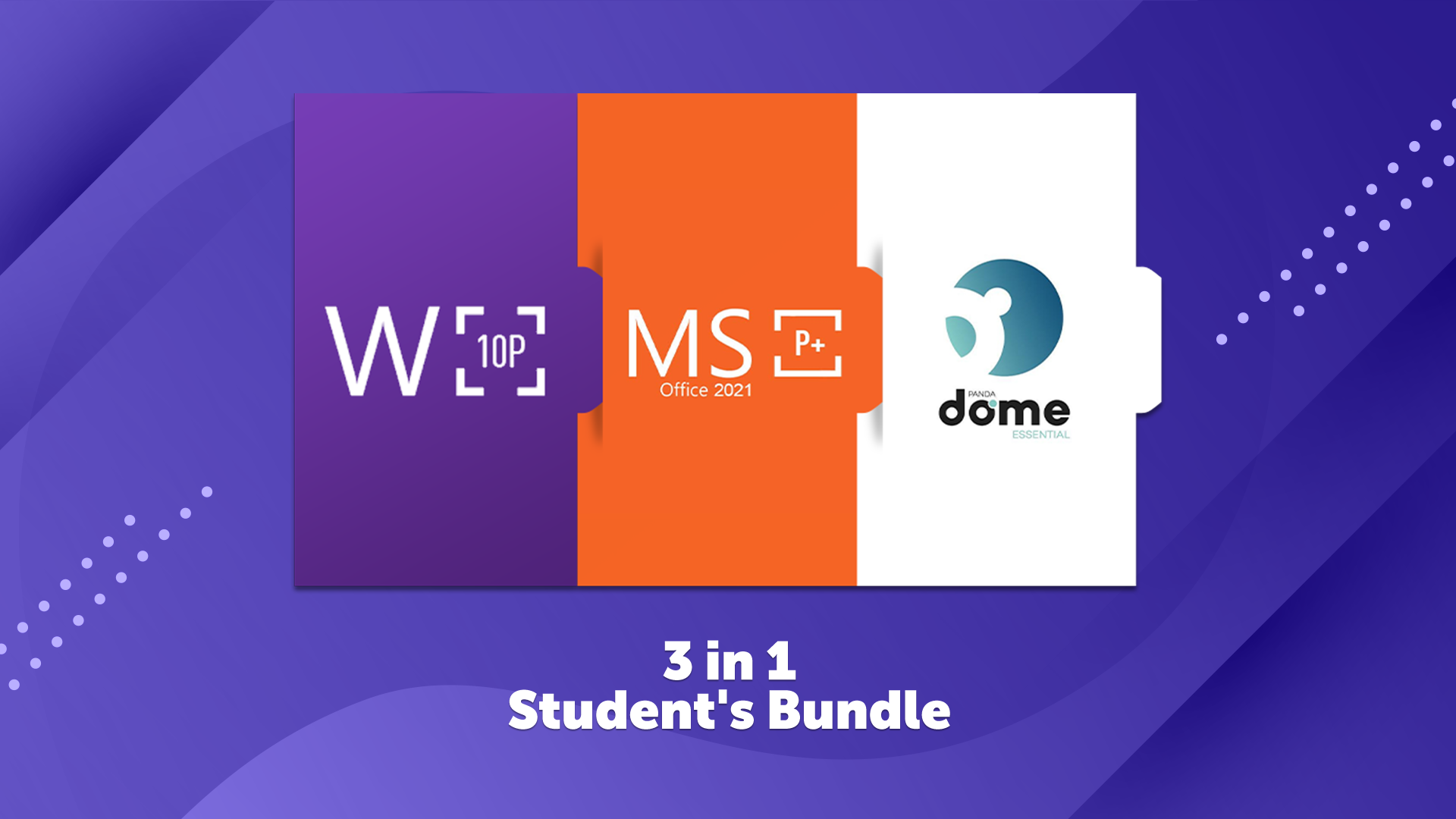
รายละเอียดจากผู้ผลิต (English)
Student's Bundle
อื่นๆ
Rest of the world (RoW) - custom
โปรแกรม & Software
คำเตือน: โปรดอ่านรายละเอียดก่อนสั่งซื้อ หากซื้อแล้วไม่สามารถยกเลิกหรือขอเงินคืนได้
สินค้านี้ไม่ใช่ประเภท TH โปรดตัดสินใจก่อนสั่งซื้อ หากใช้งานในไทยไม่ได้ จะไม่สามารถยกเลิกหรือขอเงินคืนได้
วิธีเปิดใช้งานคีย์ (Activation)
Windows 10 Pro: This product cannot be used to upgrade your system from another version! In order to activate your system: Open Start Menu and click Settings Navigate to Update & Security menu, and then Activation tab Click on Change product key and insert your key The system can be downloaded from https://kingu.in/1ldc or from https://tb.rg-adguard.net/public.php. MS Office 2021 Professional Plus: In order to activate the product, please follow one of the recommended instructions: ______________________________________________________________________________________________________ Log into your account / Create a new account https://account.microsoft.com/. Go to https://account.microsoft.com/billing/redeem website. Enter your key and confirm. Your product is now activated. You can download the client directly from the website. Please remember that the product key activated this way will be connected directly to your account. Therefore please always make sure to log in on your PC to the correct account, where the license was activated. ______________________________________________________________________________________________________ Log-in to or create an account https://login.live.com/. After you created the account follow this https://kingu.in/1lc0 (you might have to login with your just created account first). Enjoy your newly acquired Office suite! ______________________________________________________________________________________________________ In case of a problem with activating the product with your key, please use the automated phone system* to activate: In the Activation Wizard, select I want to activate the software by telephone, and then select Next. If nothing happens when you select Next, use the Enter key on your keyboard. Under Step 1 in the Activation Wizard, select your country/region, and then call the Product Activation Center phone number that’s listed under the country/region you selected. When prompted by the Product Activation Center, provide the Installation ID that's shown in the Activation Wizard under Step 2. The Product Activation Center will provide a Confirmation ID that you enter in the Activation Wizard under Step 3. Select Next and follow the prompts to complete the activation process. If nothing happens when you select Next, use the Enter key on your keyboard. Panda Antivirus: Access your https://myaccount.pandasecurity.com/. If you don't have an account, create one. Click on the "I have a code button" and enter the activation code.
ข้อมูลสินค้า
| แพลตฟอร์ม | Other |
| โซนใช้งาน | Rest of the world (RoW) - custom (โปรดตัดสินใจก่อนสั่งซื้อ ยกเลิกไม่ได้) |
| ภาษาที่รองรับ | English |
| การจัดส่ง | รับคีย์อัตโนมัติบนเว็บทันทีหลังชำระเงิน (ปกติไม่เกิน 1-2 นาที) |
สินค้าใกล้เคียง
ดูทั้งหมด
Avalw Shield CD Key
฿4,204 เหลือ 999+

Hunter Disk Cleaner Pro Licence Key (1 Year / 1 PC)
฿94 เหลือ 999+

PDFChef by Movavi Key (Lifetime / 1 PC)
฿321 เหลือ 999+

Luminar Neo Lite License Activation Key
฿935 เหลือ 999+

Skylum Luminar NEO Key
฿1,402 เหลือ 999+
Luminar AI License Activation Key
฿1,075 เหลือ 999+
ศูนย์บริการที่คุ้มค่า TC-TERMGAME
ความปลอดภัย
รับประกันความปลอดภัย 100%
บริการรวดเร็ว
รับสินค้าทันทีหลังจากการซื้อ
คุ้มค่าราคาถูก
ราคาถูกและพร้อมโปรโมชั่นราคาประหยัด
บริการตลอดเวลา
เปิดให้บริการตลอด 24 ชั่วโมง