


รายละเอียดจากผู้ผลิต (English)
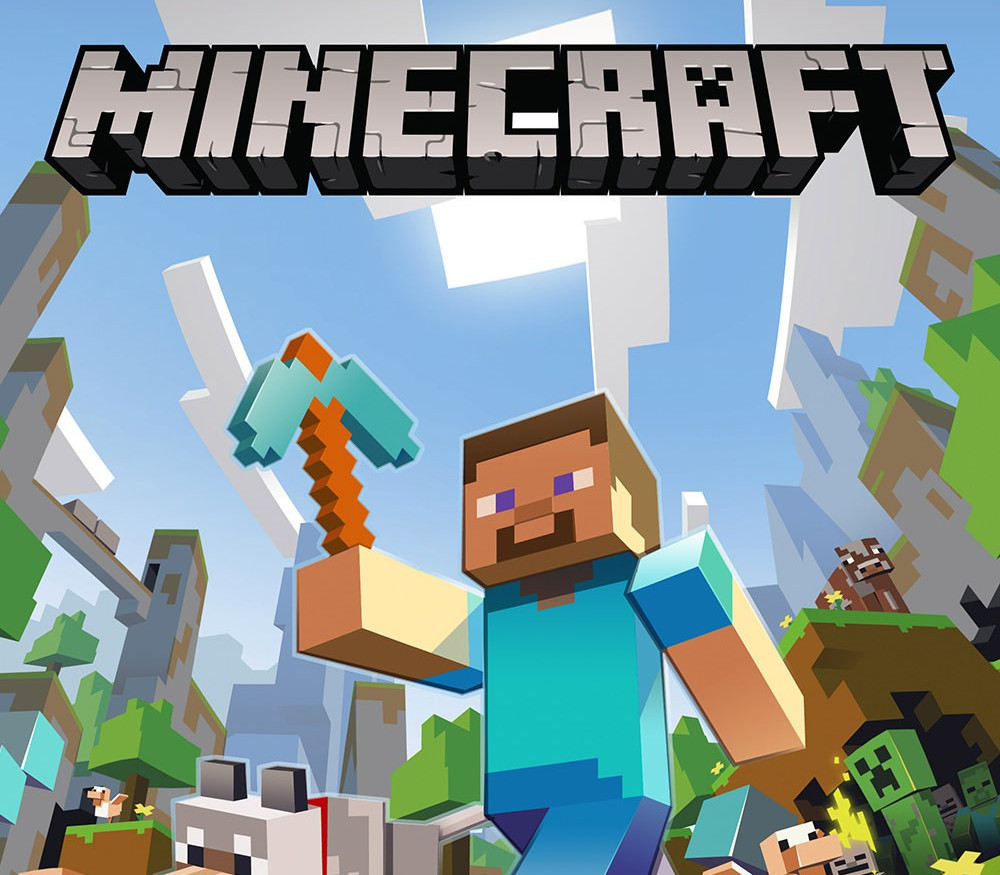
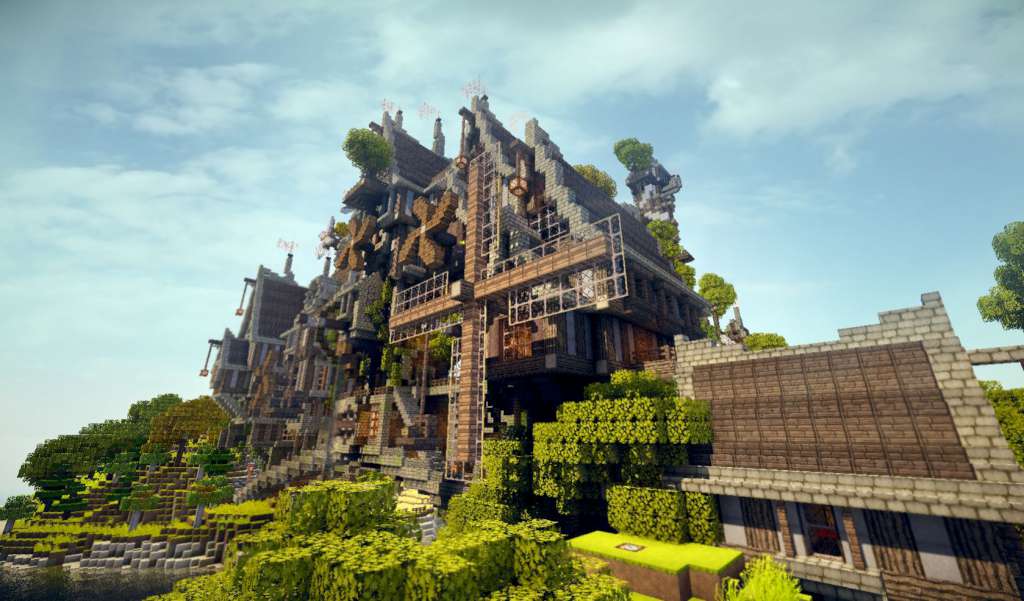
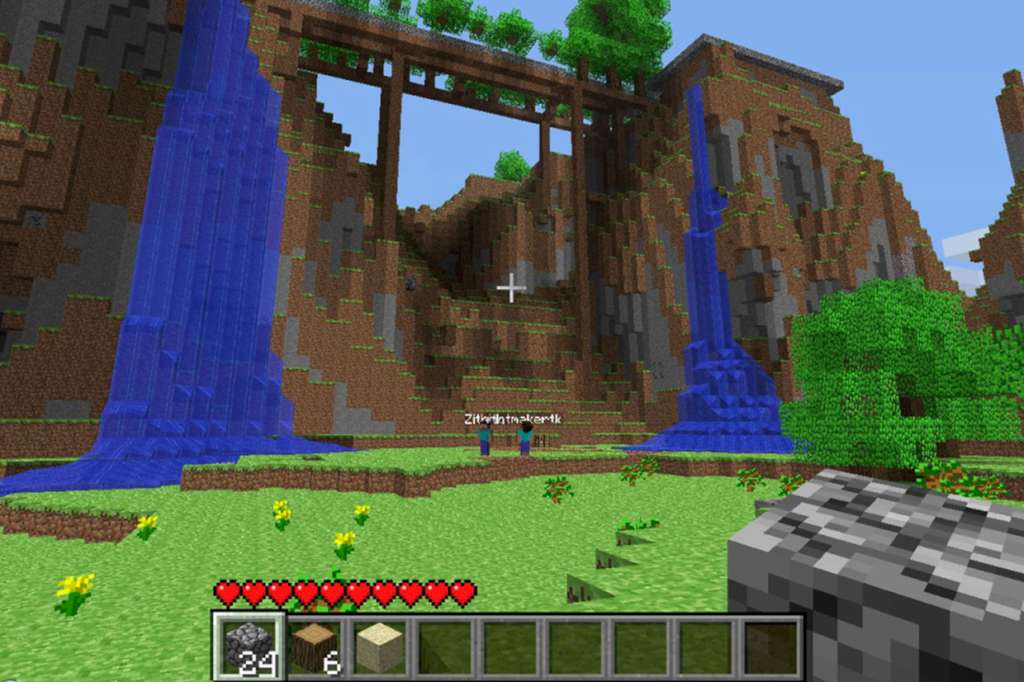
Minecraft + Minecraft Minecoins Pack - 3500 Coins XBOX One / Xbox Series X|S CD Key
Xbox
Australia
เกมคอนโซล
คำเตือน: โปรดอ่านรายละเอียดก่อนสั่งซื้อ หากซื้อแล้วไม่สามารถยกเลิกหรือขอเงินคืนได้
สินค้านี้ไม่ใช่ประเภท TH โปรดตัดสินใจก่อนสั่งซื้อ หากใช้งานในไทยไม่ได้ จะไม่สามารถยกเลิกหรือขอเงินคืนได้
฿893
/ ชิ้น · รวมภาษีแล้ว
พร้อมส่งทันที · คงเหลือ 1 ชิ้น
· วางจำหน่าย 2010-12-20
รวม ฿893
เข้าสู่ระบบเพื่อสั่งซื้อ
วิธีเปิดใช้งานคีย์ (Activation)
Go to https://www.xbox.com Login to your account Hover over your account link (the top right of the screen) a menu will appear, click on the "Redeem Code" button. On the next page, click "Redeem" Enter your code Click "Confirm" Click "Confirm" again to assign the key to your account.
ข้อมูลสินค้า
| แพลตฟอร์ม | Xbox One |
| โซนใช้งาน | Australia (โปรดตัดสินใจก่อนสั่งซื้อ ยกเลิกไม่ได้) |
| ผู้พัฒนา | 4J Studios, Mojang AB |
| วันวางจำหน่าย | 2010-12-20 |
| ภาษาที่รองรับ | English |
| เรตอายุ | PEGI 7 |
| คะแนน Metacritic | 88.0/100 |
| การจัดส่ง | รับคีย์อัตโนมัติบนเว็บทันทีหลังชำระเงิน (ปกติไม่เกิน 1-2 นาที) |
สินค้าใกล้เคียง
ดูทั้งหมด
Mario Kart World EU Nintendo Switch 2 CD Key
฿2,936 เหลือ 999+

EA SPORTS FC 26 EU PS5 CD Key
฿1,741 เหลือ 999+
LEGO Jurassic World EU Nintendo Switch CD Key
฿430 เหลือ 999+
Minecraft Legends XBOX One / Xbox Series X|S CD Key
฿43 เหลือ 999+
WingStormX XBOX One / Xbox Series X|S / PC CD Key
฿19 เหลือ 999+
LEGO DC Super-Villains EU Nintendo Switch CD Key
฿418 เหลือ 999+
ศูนย์บริการที่คุ้มค่า TC-TERMGAME
ความปลอดภัย
รับประกันความปลอดภัย 100%
บริการรวดเร็ว
รับสินค้าทันทีหลังจากการซื้อ
คุ้มค่าราคาถูก
ราคาถูกและพร้อมโปรโมชั่นราคาประหยัด
บริการตลอดเวลา
เปิดให้บริการตลอด 24 ชั่วโมง