MyKeyFinder Key
cover screenshot screenshot

รายละเอียดจากผู้ผลิต (English)

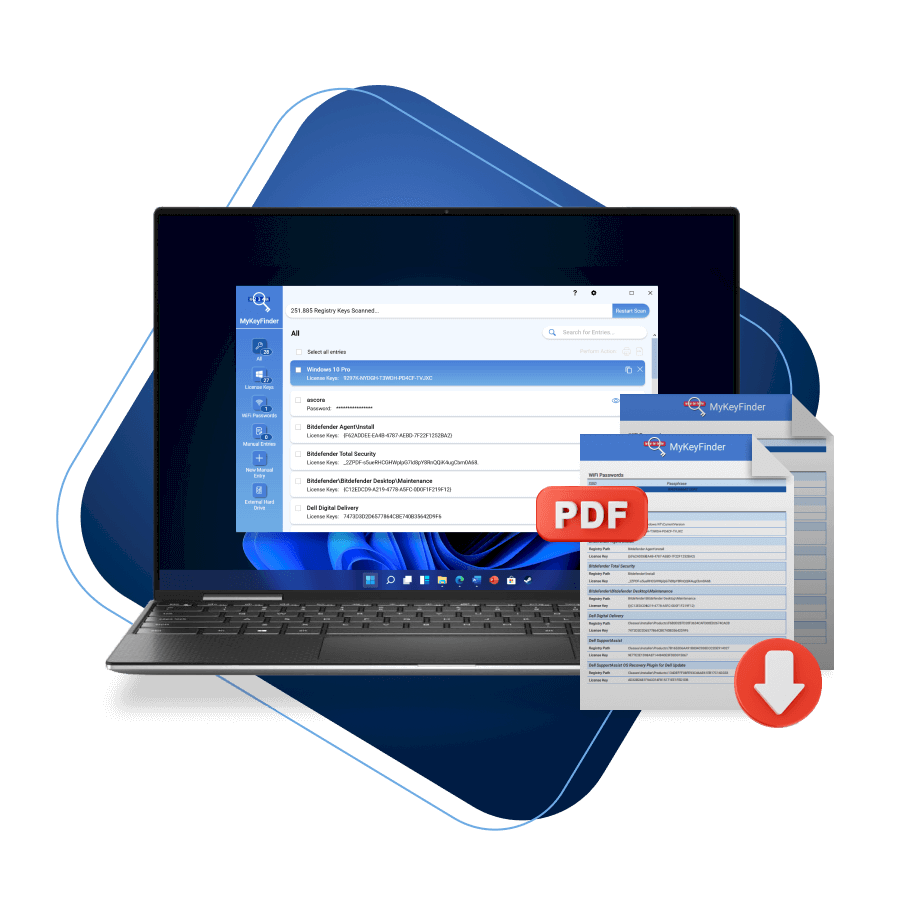
Misplaced one of those pesky product keys? MyKeyFinder’s got you covered! One of the primary reasons to use product key finder software is to retrieve product keys or license keys for software applications, operating systems, or games that you've purchased but have lost or forgotten. This is especially useful if you need to reinstall the software. Where´s the license key of Microsoft Office? Or Windows? Or from Adobe Photoshop? MyKeyFinder helps the user to keep serial numbers in order, for free! What´s the serial number of my Adobe Acrobat? If the user wants to install a licensed program again or on a second computer, the setup requires the license key. It is usually given to the user on the package or on the DVD case of the software. Over the years, these serial numbers are easily lost. What can you do in this case? Manually searching for product keys in documentation, emails, or original packaging can be time-consuming. MyKeyFinder automates this process, making it more efficient. MyKeyFinder finds them all When you need to reinstall software on a computer, you typically require the original product key to activate it. MyKeyFinder helps you locate and retrieve these keys from your system's registry or other storage locations. All serial numbers are stored, when a new software is installed. However, this task is not easy, since serial numbers and license keys can be deposited in various locations in the registry, MyKeyFinder does this job for the user, and search for them automatically. The result of this research is a clear list. The serial numbers, product keys, and license keys are listed directly in the program window, and the license key can be copied from here specifically to the clipboard. The list can also be printed at any time or exported as a PDF document. Finds WiFi passwords MyKeyFinder: New features in the full version: MyKeyFinder was reprogrammed from scratch to be faster, more stable, easier to use and to be compatible to Windows 10. In addition, the algorithm now finds even more Keys than before. This concerns, for example, Adobe license keys. Other new features are available to users only in the Plus full version: - Wifi-Passwords: It is easy to forget wireless passwords. MyKeyFinder can immediately locate the utilized Wi-Fi passwords in the computer and can be used when in need. - External hard-drives: In the new version external hard drives can also be searched. This is an important method to locate the license numbers, if the Windows installation is damaged. Features Product keys - restored Scans external hard disks Find WiFi passwords

MyKeyFinder Key

อื่นๆ Global — ใช้ได้ทั่วโลก โปรแกรม & Software
คำเตือน: โปรดอ่านรายละเอียดก่อนสั่งซื้อ หากซื้อแล้วไม่สามารถยกเลิกหรือขอเงินคืนได้
฿3,270 / ชิ้น · รวมภาษีแล้ว
พร้อมส่งทันที · คงเหลือ 1 ชิ้น
รวม ฿3,270
เข้าสู่ระบบเพื่อสั่งซื้อ

วิธีเปิดใช้งานคีย์ (Activation)

1. Download the software - https://www.abelssoft.de/en/windows/helpers/mykeyfinder 2. Install the software and run it once installed.
3. Register the software by entering required data: your email and your license key. Note: The first time you register software you will be required to confirm your email address. Click on the link in the email you received. The email is often found in Spam. You only need to confirm this once. Once your email is confirmed, you can click on 'Done' to complete the registration.

ข้อมูลสินค้า

แพลตฟอร์มOther
โซนใช้งาน GLOBAL — ใช้ได้ทั่วโลก
ภาษาที่รองรับEnglish
การจัดส่งรับคีย์อัตโนมัติบนเว็บทันทีหลังชำระเงิน (ปกติไม่เกิน 1-2 นาที)

สินค้าใกล้เคียง

ดูทั้งหมด
ศูนย์บริการที่คุ้มค่า TC-TERMGAME
ความปลอดภัย
รับประกันความปลอดภัย 100%
บริการรวดเร็ว
รับสินค้าทันทีหลังจากการซื้อ
คุ้มค่าราคาถูก
ราคาถูกและพร้อมโปรโมชั่นราคาประหยัด
บริการตลอดเวลา
เปิดให้บริการตลอด 24 ชั่วโมง