
รายละเอียดจากผู้ผลิต (English)
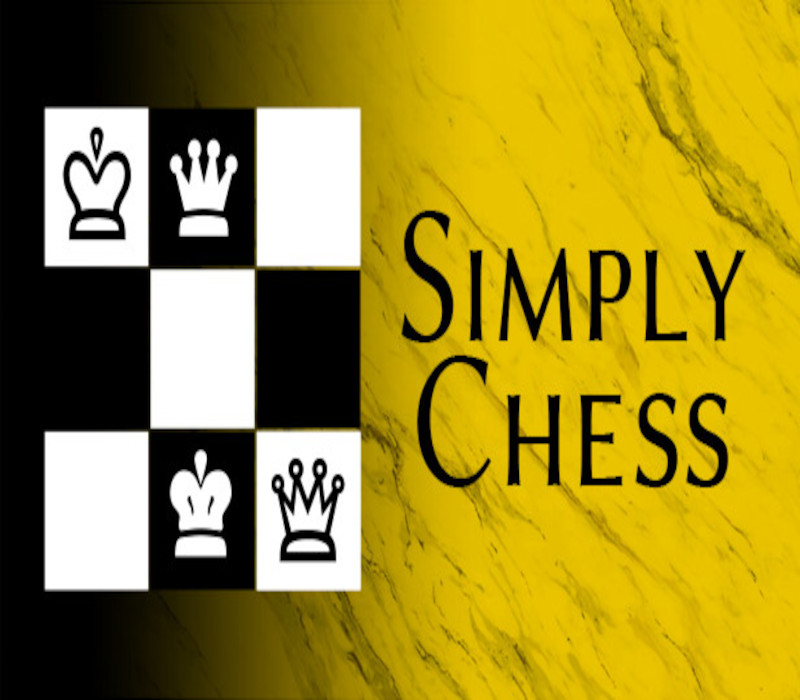
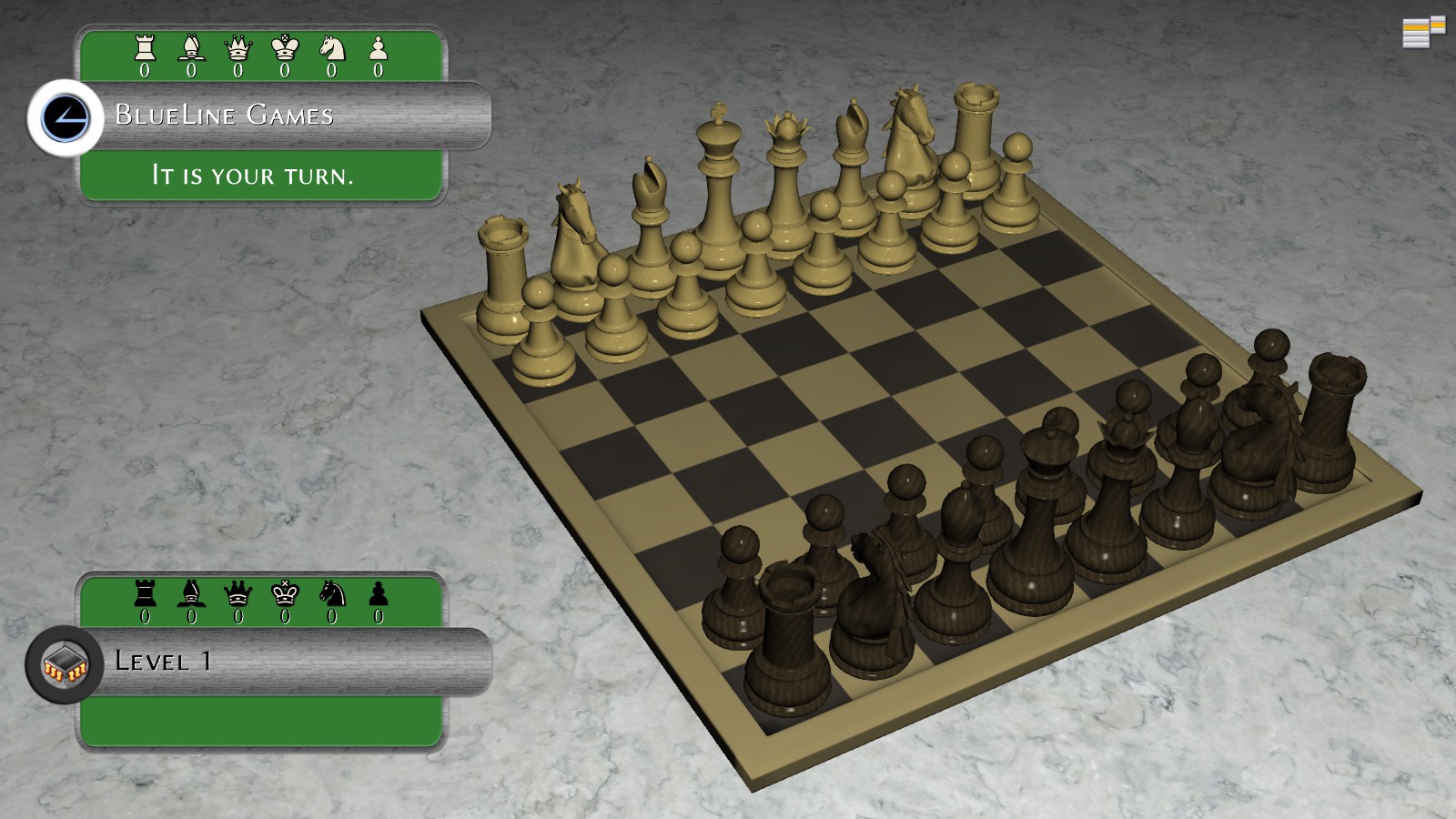
Simply Chess - Premium Upgrade! DLC PC Steam Gift
Steam
Global — ใช้ได้ทั่วโลก
DLC & Season Pass
ของขวัญ Steam (Gift)
คำเตือน: โปรดอ่านรายละเอียดก่อนสั่งซื้อ หากซื้อแล้วไม่สามารถยกเลิกหรือขอเงินคืนได้
สินค้าประเภทของขวัญ/บัตร/โค้ดทดลอง บางรายการมีกำหนดเวลากดใช้โค้ดหลังได้รับ (เช่น ภายใน 24-48 ชม.) แนะนำให้กดใช้ทันทีที่ได้รับคีย์ และอ่านเงื่อนไขในรายละเอียดสินค้าให้ครบ
฿472
/ ชิ้น · รวมภาษีแล้ว
พร้อมส่งทันที · คงเหลือ 1 ชิ้น
· วางจำหน่าย 2016-04-13
รวม ฿472
เข้าสู่ระบบเพื่อสั่งซื้อ
วิธีเปิดใช้งานคีย์ (Activation)
"Please remember that we are NOT responsible for any problems that may arise from purchasing and using Steam Gifts. You are doing it at your own risk. "Please note, that due to recent Valve Steam Gift policy update Steam Gifts for games that are covered by VAC ban program can no longer be added to Inventory. Make sure that you are logged in to the proper account before entering the link as Steam Gifts can be only added to your library or rejected. How do I use a Steam gift given to me? If you do not already have Steam, download and install Steam here. Once you have Steam installed, you will be prompted to create an account or login to an existing Steam account. If you do not have an account, please create one. You will receive an e-mail containing a link that will open Steam allowing you to redeem your gift. After clicking the link, you will receive a notification at the top right corner in the Steam client informing that you have a new gift.
ข้อมูลสินค้า
| แพลตฟอร์ม | Steam |
| โซนใช้งาน | GLOBAL — ใช้ได้ทั่วโลก |
| ผู้พัฒนา | BlueLine Games |
| ผู้จัดจำหน่าย | BlueLine Games |
| วันวางจำหน่าย | 2016-04-13 |
| ภาษาที่รองรับ | English, Spanish, Polish, Finnish, Russian |
| Steam | เปิดหน้า Steam Store |
| การจัดส่ง | รับคีย์อัตโนมัติบนเว็บทันทีหลังชำระเงิน (ปกติไม่เกิน 1-2 นาที) |
สินค้าใกล้เคียง
ดูทั้งหมด
Minecraft Java & Bedrock Edition - Builder Cape DLC XBOX One / Xbox Series X|S / PC CD Key
฿3 เหลือ 999+

Minecraft - Copper Cape DLC XBOX One / Xbox Series X|S / PC CD Key
฿3 เหลือ 999+
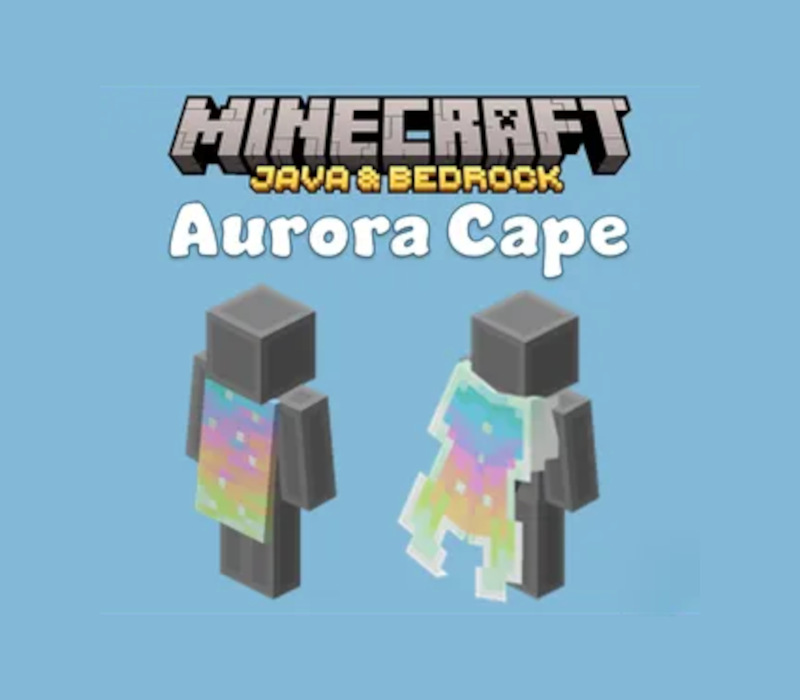
Minecraft Java & Bedrock Edition - Aurora Cape DLC XBOX One / Xbox Series X|S / PC CD Key
฿3 เหลือ 999+
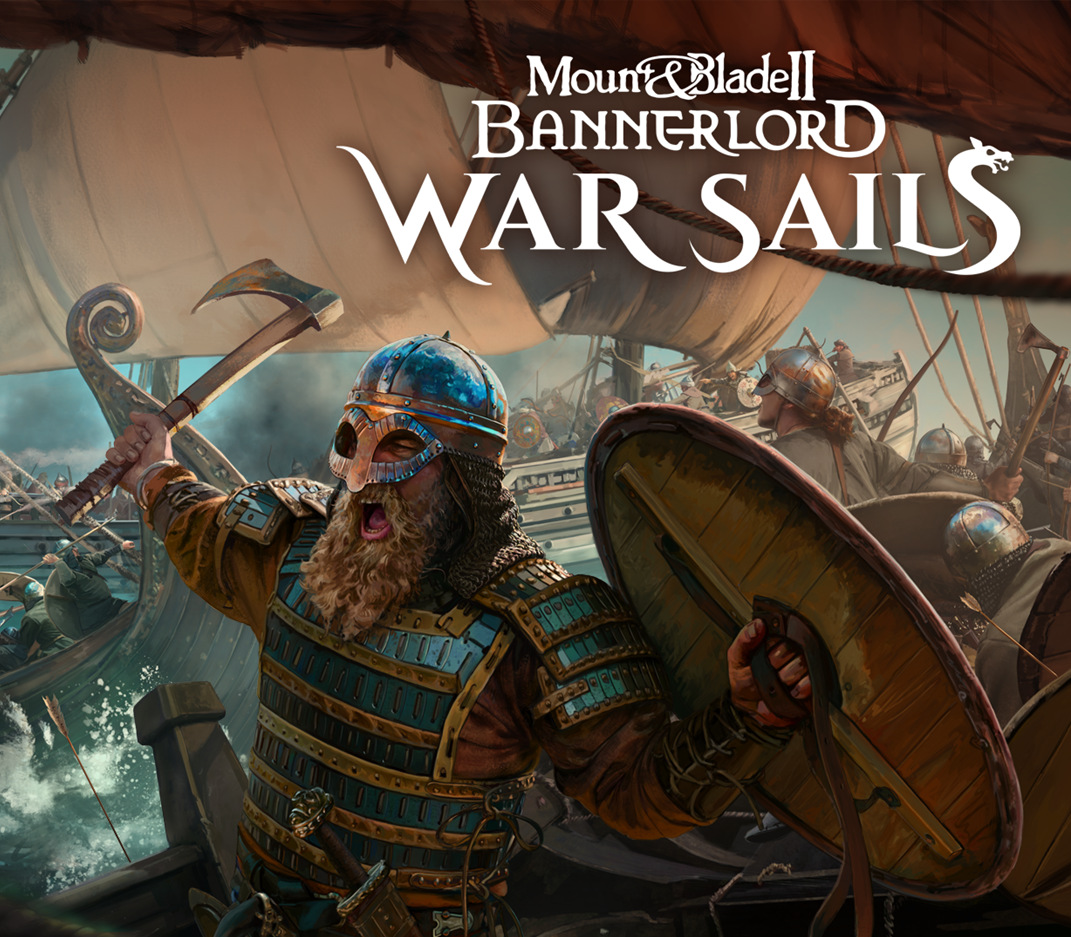
Mount & Blade II: Bannerlord - War Sails DLC SEA PC Steam CD Key
฿457 เหลือ 999+
Sneak Out - Gortat's Outfit DLC CD Key
฿212 เหลือ 999+
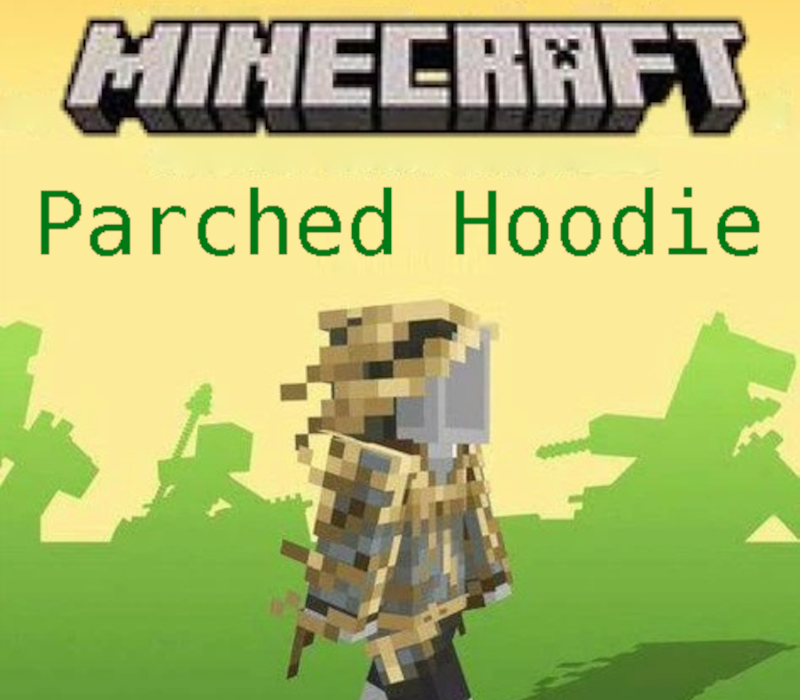
Minecraft - Parched Hoodie DLC XBOX One / Xbox Series X|S / PC CD Key
฿3 เหลือ 999+
ศูนย์บริการที่คุ้มค่า TC-TERMGAME
ความปลอดภัย
รับประกันความปลอดภัย 100%
บริการรวดเร็ว
รับสินค้าทันทีหลังจากการซื้อ
คุ้มค่าราคาถูก
ราคาถูกและพร้อมโปรโมชั่นราคาประหยัด
บริการตลอดเวลา
เปิดให้บริการตลอด 24 ชั่วโมง