

รายละเอียดจากผู้ผลิต (English)
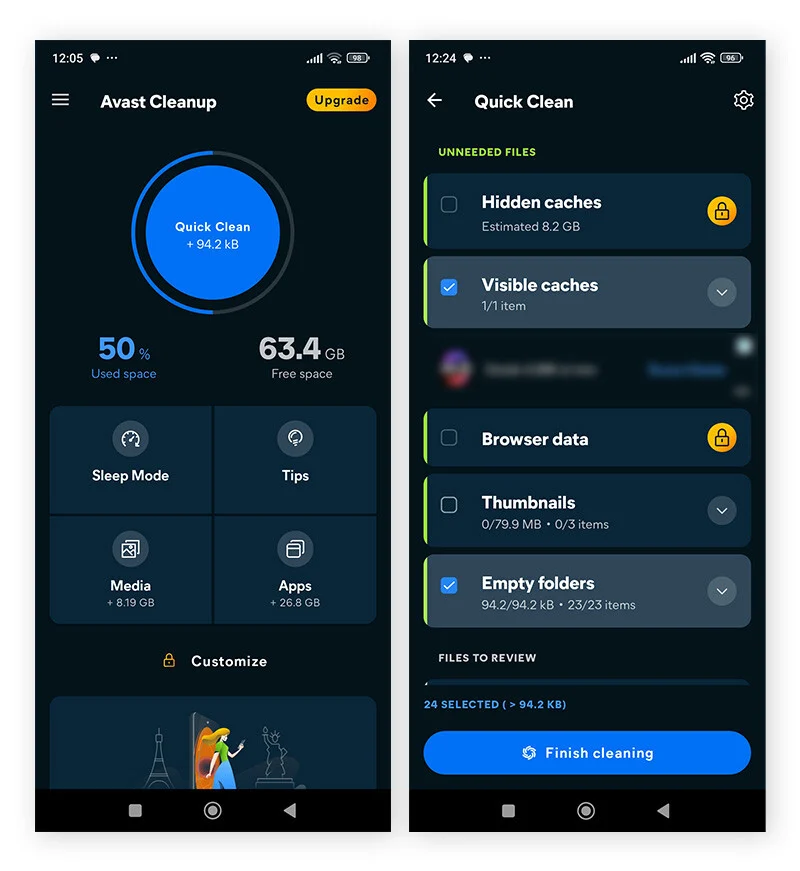
Avast Cleanup & Boost Pro for Android (1 Year / 1 Device)
อื่นๆ
Global — ใช้ได้ทั่วโลก
โปรแกรม & Software
คำเตือน: โปรดอ่านรายละเอียดก่อนสั่งซื้อ หากซื้อแล้วไม่สามารถยกเลิกหรือขอเงินคืนได้
วิธีเปิดใช้งานคีย์ (Activation)
Please follow the official Avast installation instructions for Avast Cleanup & Boost Pro using the link below: https://help.avast.com/en/install/avast-cleanup-premium-android?os=android After installing the application, open Avast Cleanup and select: Account → Already have a subscription? You can then activate your subscription using one of the following methods: Option 1 – Use your activation code Select Use an activation code, enter or paste your activation code including the hyphens, and tap Use this code. Option 2 – Use your Avast Account Select Use your Avast Account and sign in with the Avast Account that contains your Avast Cleanup Premium subscription. If you are unable to activate the code directly in the application, you can first add the activation key to your Avast Account using the following link: https://account.avast.com/-/#/subscription-activation/entry After the subscription has been successfully added to your Avast Account, reopen Avast Cleanup and sign in using the same Avast Account. The application should then recognize your subscription and activate Avast Cleanup & Boost Pro automatically.
ข้อมูลสินค้า
| แพลตฟอร์ม | Other |
| โซนใช้งาน | GLOBAL — ใช้ได้ทั่วโลก |
| ภาษาที่รองรับ | English |
| การจัดส่ง | รับคีย์อัตโนมัติบนเว็บทันทีหลังชำระเงิน (ปกติไม่เกิน 1-2 นาที) |
สินค้าใกล้เคียง
ดูทั้งหมด
Avalw Shield CD Key
฿4,204 เหลือ 999+

Hunter Disk Cleaner Pro Licence Key (1 Year / 1 PC)
฿94 เหลือ 999+

PDFChef by Movavi Key (Lifetime / 1 PC)
฿283 เหลือ 999+

Luminar Neo Lite License Activation Key
฿935 เหลือ 999+

Skylum Luminar NEO Key
฿1,402 เหลือ 999+

Luminar AI License Activation Key
฿1,075 เหลือ 999+
ศูนย์บริการที่คุ้มค่า TC-TERMGAME
ความปลอดภัย
รับประกันความปลอดภัย 100%
บริการรวดเร็ว
รับสินค้าทันทีหลังจากการซื้อ
คุ้มค่าราคาถูก
ราคาถูกและพร้อมโปรโมชั่นราคาประหยัด
บริการตลอดเวลา
เปิดให้บริการตลอด 24 ชั่วโมง